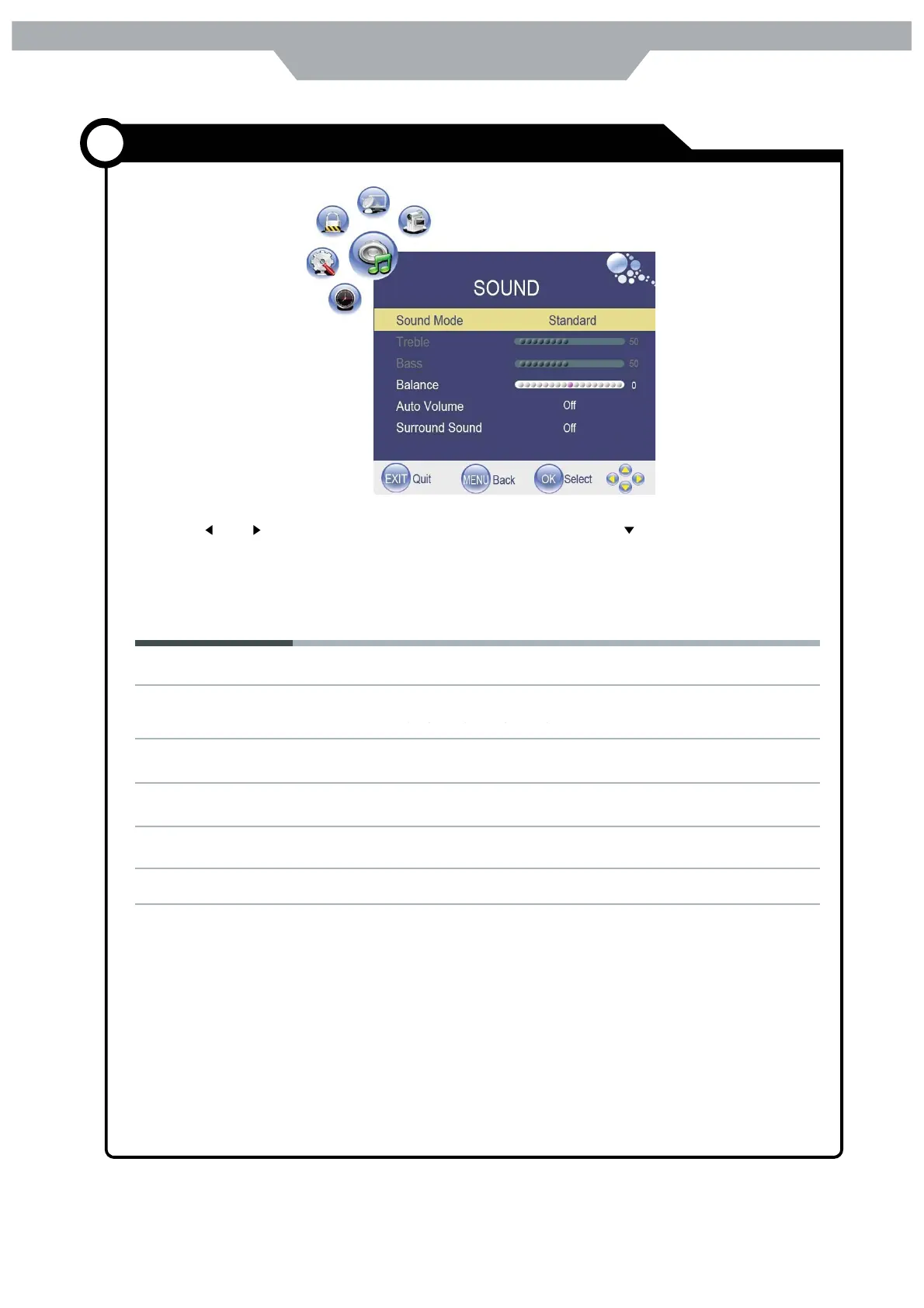
Use and buttons to select the SOUND menu (as the picture above ) , press button to enter the menu.
The SOUND menu includes the following options :
Sound Mode : Allow you to select among : Standard , Music , Movie , Sports and user .
Treble( Could be adjusted when the sound mode is User)
Controls the relative intensity of lower pitched sounds
Bass(could be adjusted when the sound mode is User)
Controls the relative intensity of lower pitched sounds.
Balance: To adjust the balance of the left and right sound track , or turn off the volume of the left
and right sound track
Auto Volume : Control the volume of the programm automatically when you turn on the functions
by selecting " On"
Surround Sound : Turn on/off the surrond sound function by selecting " on" /" off "
21
Sourrond sound
Off
Customizing the SOUND Settings
Application



 To Next Page