32
User Controls
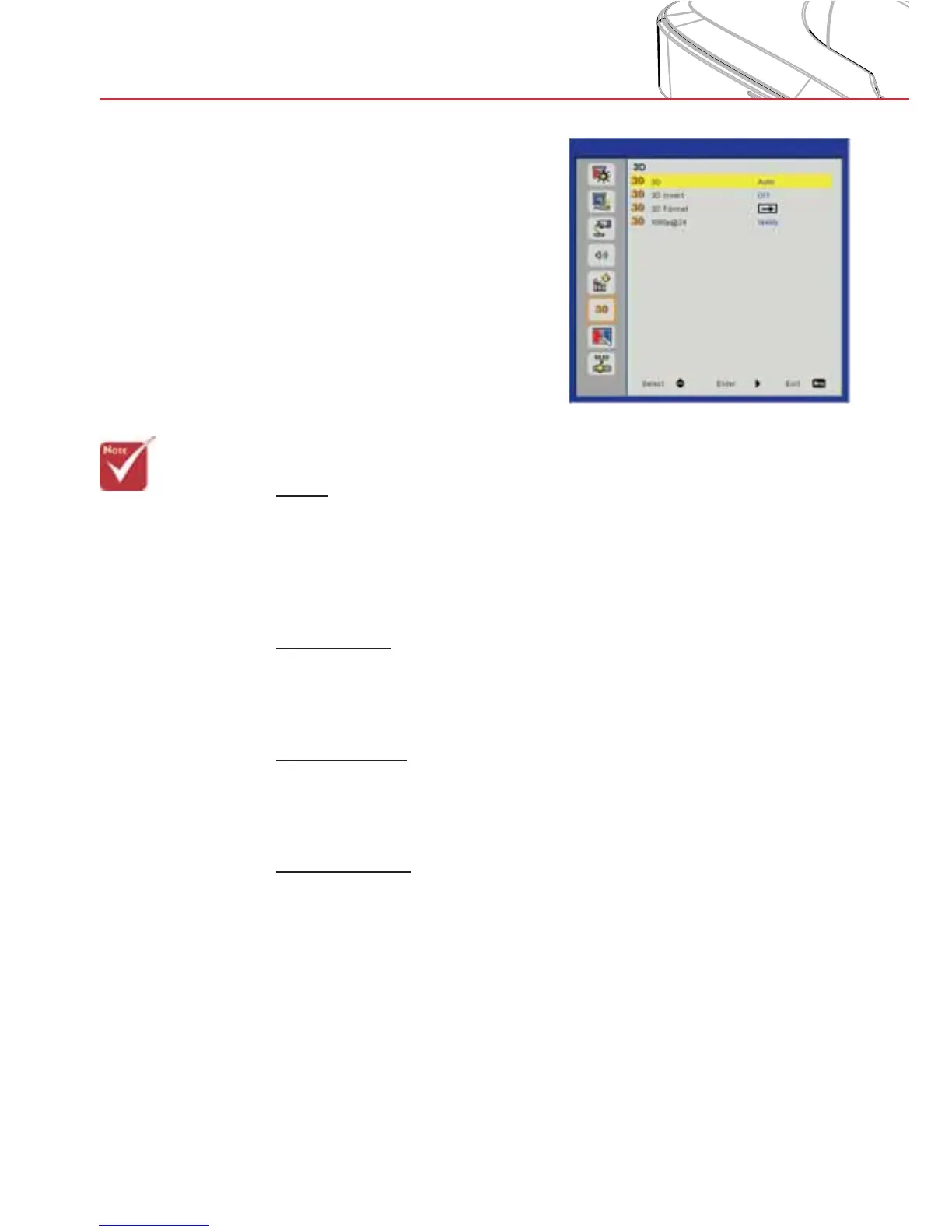
3D
3D
Auto: When a HDMI 1.4a 3D timing identification signal is de- >
tected, the 3D image is selected automatically.
Choose “On” to enable the 3D function.
>
Choose “Off” to disable the 3D function. >
3D Invert
If you see a discrete or overlapping image while using DLP 3D
glasses, you may need to execute “Invert” to get the best match of
left/right image sequence to get the correct image.
3D Format
Use this feature to select the 3D format. Options are: “Frame
Packing”, “Side-by-Side (Half)”, “Top and Bottom”, “Frame Sequen-
tial”, and “Field Sequential”.
1080p@24
Use this feature to select 96 or 144Hz refresh rate as using 3D
glasses in the1080p @ 24 frame packing.
> “Frame Sequen-
tial” is supported
the DLP Link 3D
input signals from
VGA / HDMI con-
nector.
> “Frame Sequen-
tial” / “Field Se-
quential” are sup-
ported the HQFS
3D input signals
from Composite/
S-Video connector
connector.
> “Frame Pack-
ing” / “Side-by-
Side(Half)” / “Top
and Bottom” are
supported from
HDMI 1.4a 3D
input signals.


 To Next Page