44
User Controls
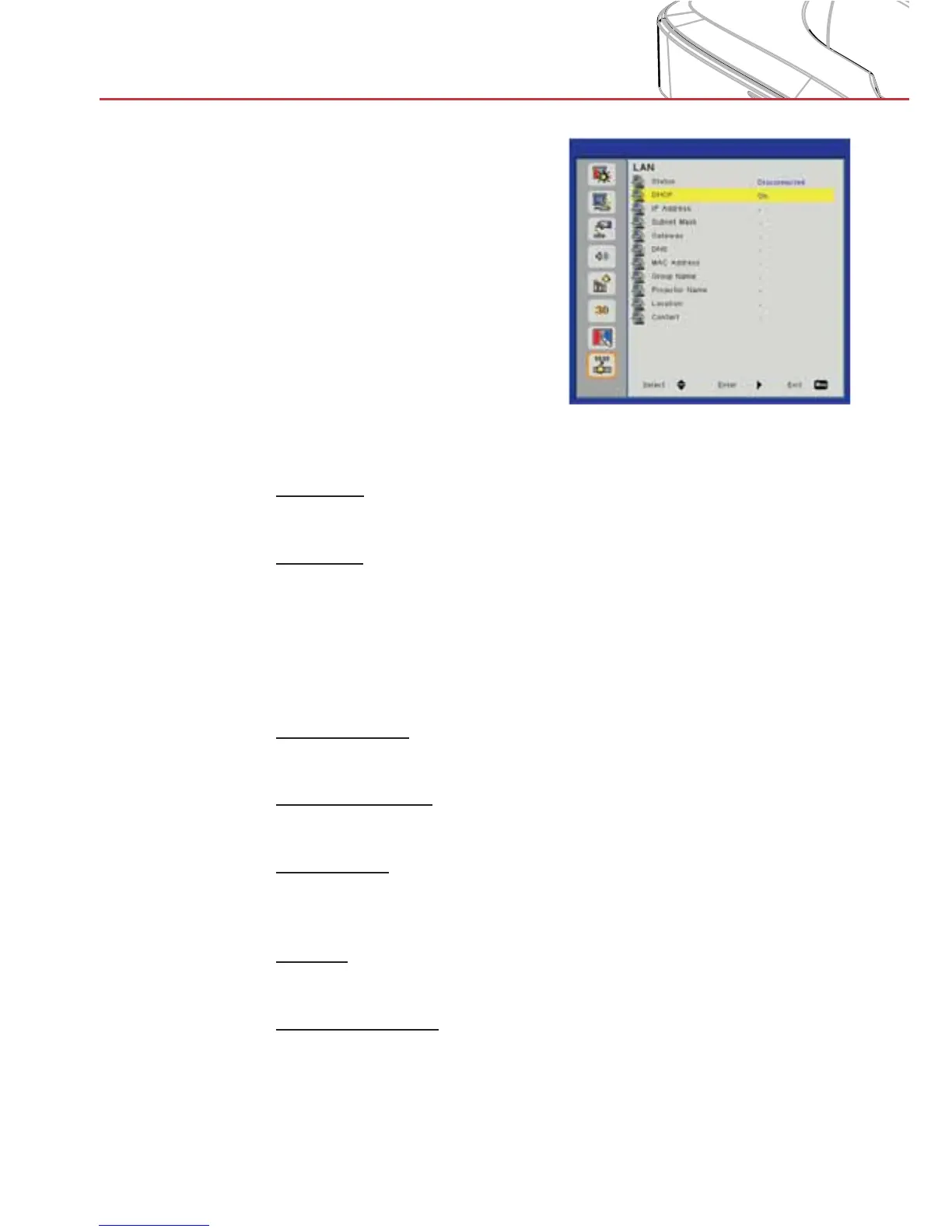
LAN
Status
Display the network connection status.
DHCP
Configure the DHCP settings.
On: Choose “On” to let the projector to obtain an IP address >
automatically from your network.
Off: Choose “Off” to assign IP, Subnet Mask, Gateway, and
>
DNS configuration manually.
IP Address
Display an IP address.
Subnet Mask
Display the subnet mask number.
Gateway
Display the default gateway of the network connected to the pro-
jector.
DNS
Display the DNS number.
MAC Address
Display the MAC address.



 To Next Page