59
Multimedia
Laptop Display
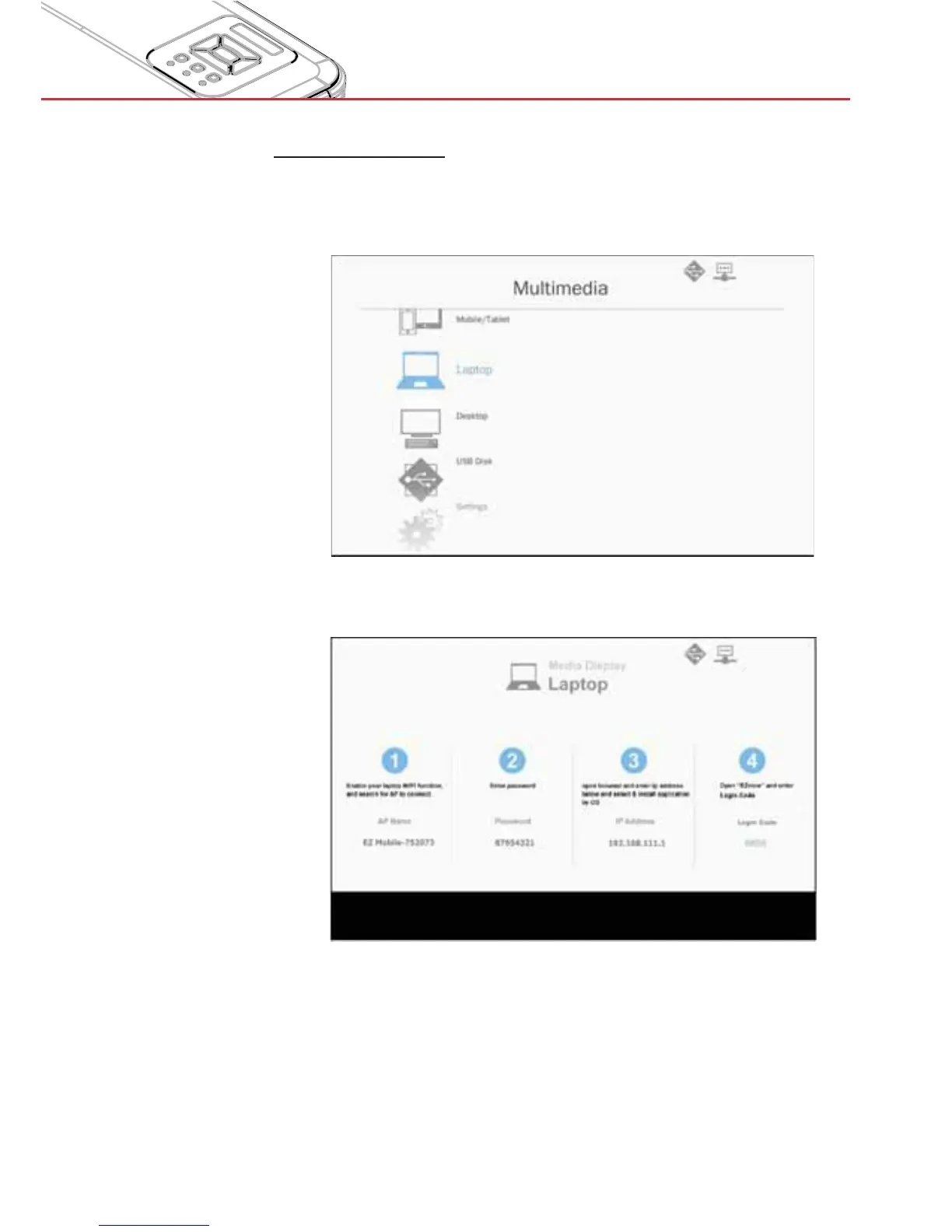
To access the media files stored on your laptop/notebook, do the
folllowing:
1. In the Multimedia menu, select Laptop.
2. Enable your laptop/notebook WiFi function, and search the AP
name listed in the Wi-Fi network list.
3. At initial connection, you will be prompted to enter a password.
Enter the password.
4. Open your web browser and enter the IP address. Then select
“Wifi” on the left side of the screen and install the EZView
application for your operation system.
5. Launch the “EZview” application (see above) and enter the login
code.


 To Next Page