63
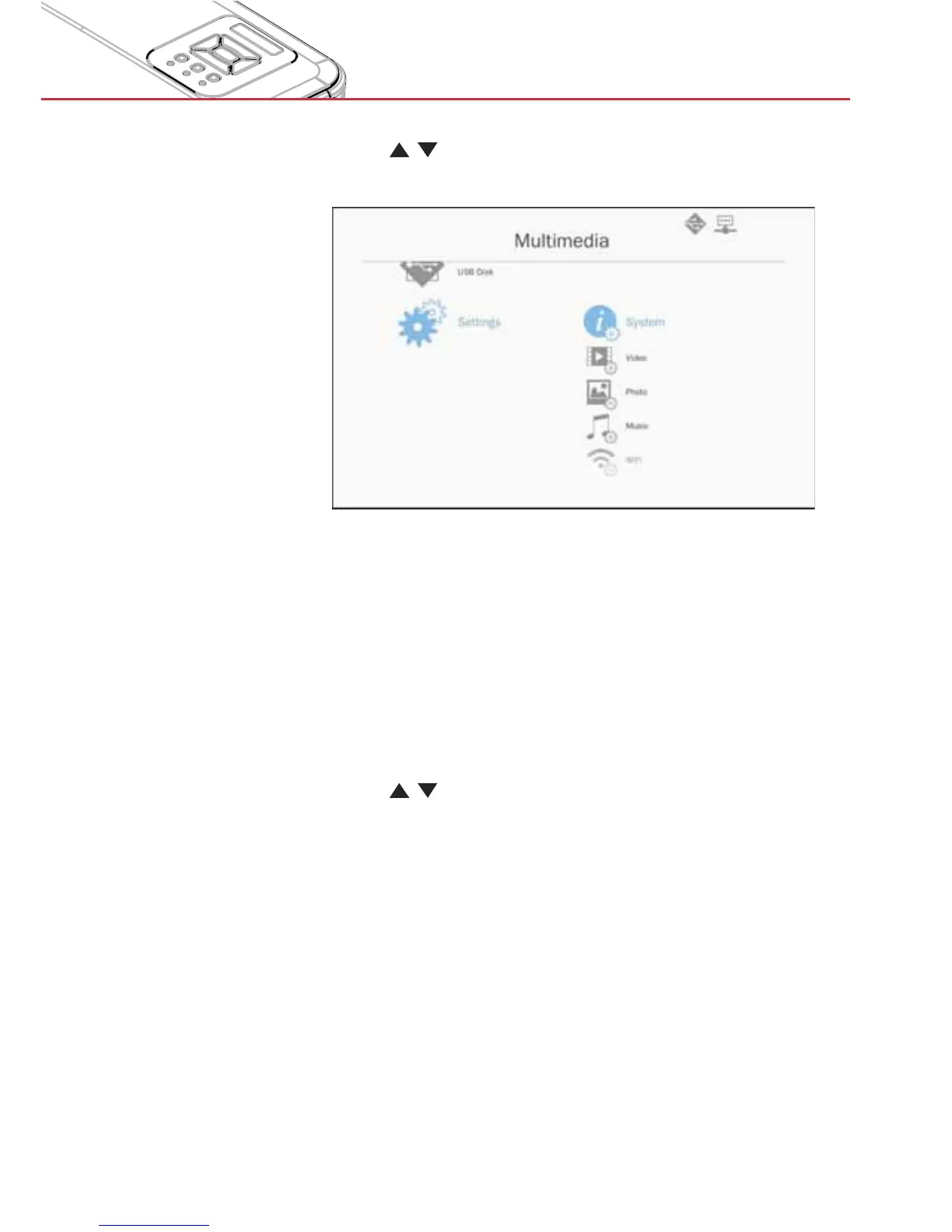
Multimedia
2. Use the
keys to select the desired menu option and
press the “Enter” key to enter the submenu.
>
System: Select this option to view the firmware version and
update firmware.
>
Video: Select this option to change the display ratio and set
the repeat mode.
>
Photo: Select this option to change the display ratio,
slideshow pattern, and slideshow duration.
>
Music: Select this option to set the repeat mode .
>
WiFi: Select this option to configure the Wi-Fi connection.
3. Use the
keys to select the adjust/select the setting and
press the “Enter” key to confirm.


 To Next Page