(No.HD003<Rev.004>)1-29
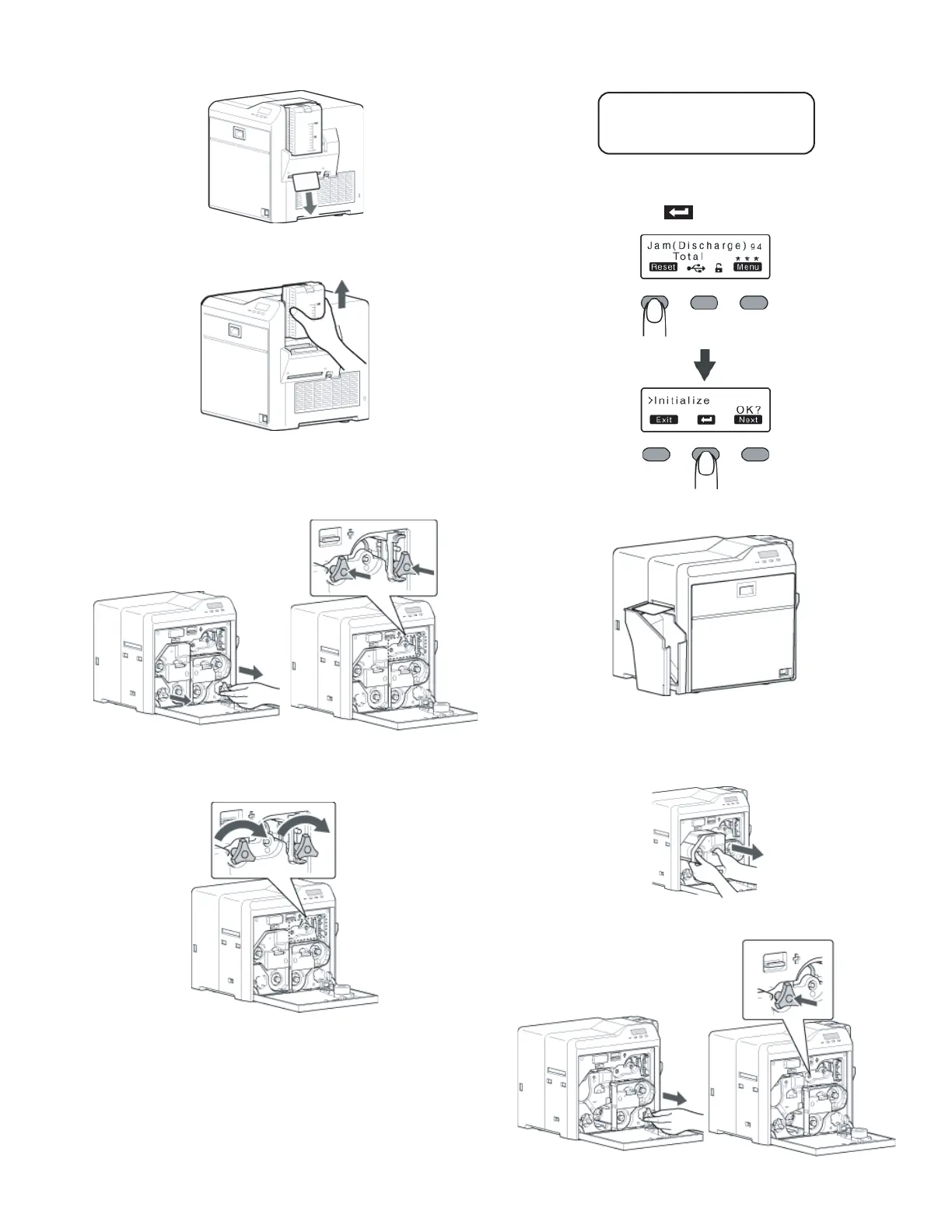
• The card is discharged from the NG card outlet.
5.1.5.1 If the card cannot be discharged
(1) Turn off the power, and detach the card hopper.
(2) Open the printer door, and check the position of the
jammed card.
(3) Attach the jog dial to the card feed roller shaft and cleaning
roller shaft.
(4) Turn the card feed roller shaft and cleaning roller shaft in
the clockwise direction, while checking the position of the
card.
• Remove the card after it is discharged from the card load
slot.
(For single-sided printers, the card is discharged from
the NG card outlet.)
(5) Restore the jog dial to its original position.
(6) Install the card hopper, and close the printer door.
(7) Turn on the power.
5.1.6 Jam(Discharge) 94
• Card jam near the card outlet.
Remove the jammed card.
(1) Press [RESET] to reset the printer.
• The card is discharged from the card outlet.
5.1.6.1 If the card cannot be discharged
(1) Turn off the power, and open the printer door.
(2) Pull out the retransfer film cassette, and check the position
of the card.
(3) Attach the jog dial to the card feed roller shaft.
Jam (Discharge) 94



 To Next Page