- 23 -
English
Getting started
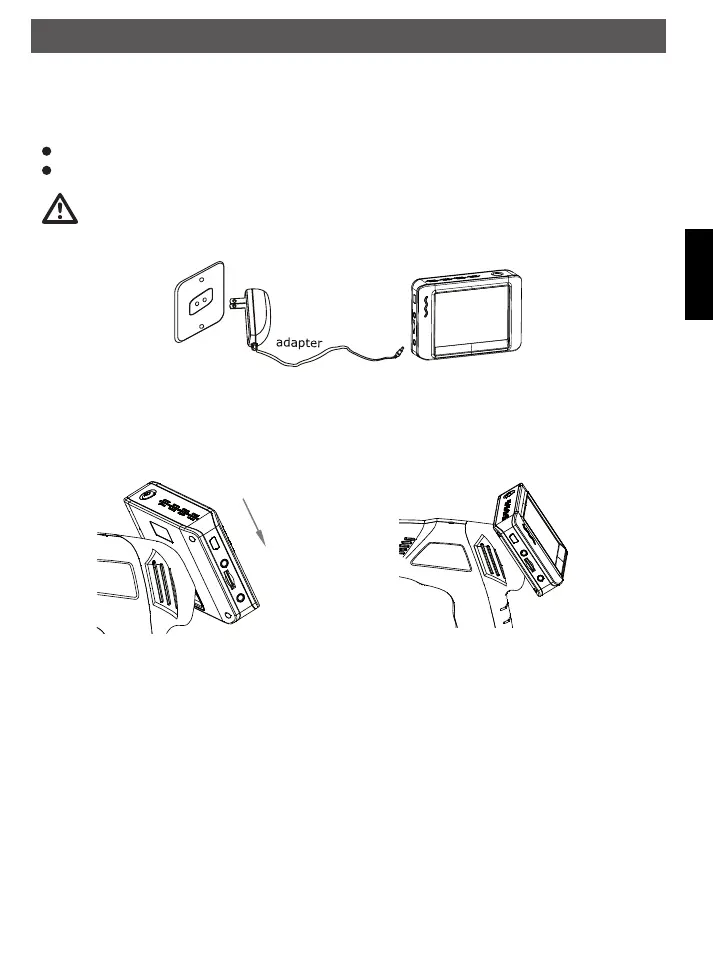
Charging battery in the monitor
The monitor has a built-in Li-Ion battery. A fully charged battery is enough for approx. 2 hours.
Recharging the battery takes about 3 hours.
During charging the power LED indicates red.
The monitor can be used during charging.
Inspect the inspection camera before use and correct any problems to
reduce the risk of serious injury from electric shock and other causes and
prevents tool damage.
Mounting the monitor
The monitor can be operated wireless or fixed on the hand grip. On the rear side of the hand grip are 4
connectors and a fitting, where the monitor can be mounted.
Slide the monitor
downward
FindooMicroCamDEFN.indd 23 01.11.2010 14:03:42



 To Next Page