- 28 -
English
To delete videos and photos
Choose a video or a photo as described previously.
Press the key for approx. 2 seconds.
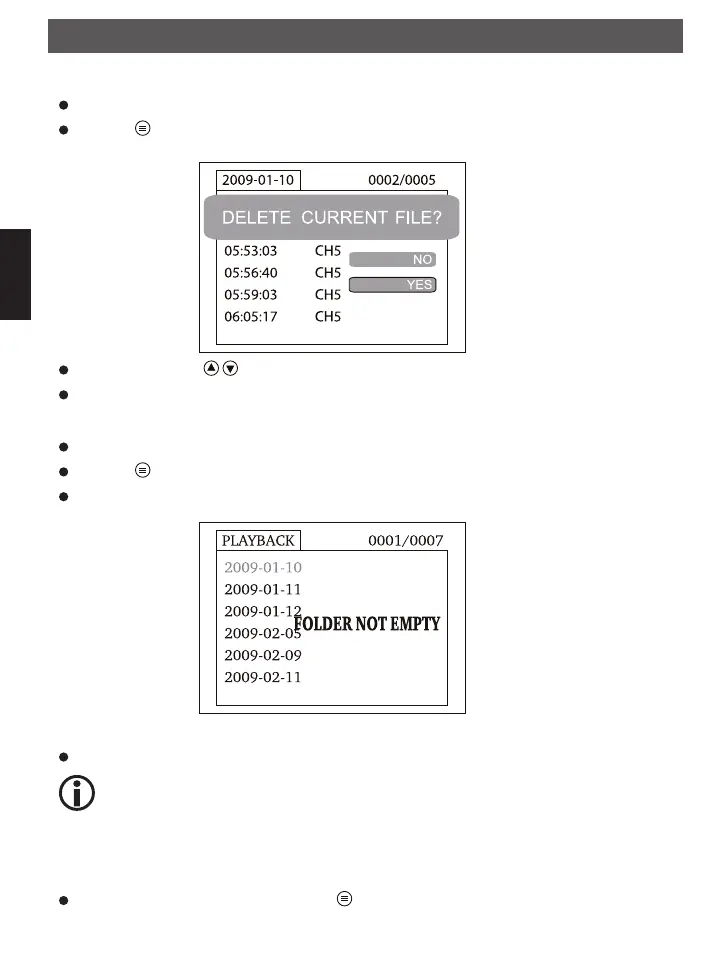
Choose YES with the key and confirm with the OK key.
To cancel, choose NO and confirm with OK key.
Delete folder
Choose a folder as described just now.
Press the key for approx 2 seconds in order to delete the folder.
If the folder is not empty, you receive the following message : NOT EMPTY
Delete the file in the folder
Only an empty folder can be deleted.
Settings
The monitor has a menu where various adjustments can be done, like the language, the framerate, format
of the memory etc.
In order to reach the adjustments, press the key for approx. 2 seconds..
Operation
FindooMicroCamDEFN.indd 28 01.11.2010 14:03:43



 To Next Page