- 31 -
English
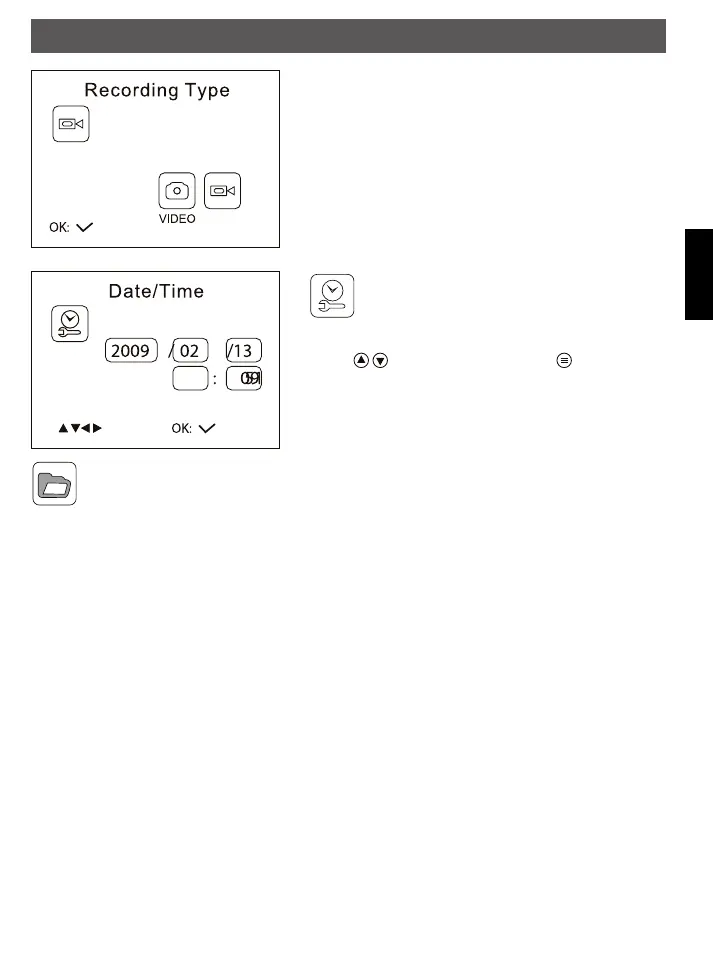
Recording Type: Select the favorite mode of the monitor
photos or videos
Date/Time: Date and time must be adjusted
correctly so the correct time and date is marked on
the video
Change the input position with the OK key. Adjust the value
with the
keys. Exit the menu with the key.
Playback: Choose this menu when you want to start playback on the monitor. The selection occurs
as described on page 10
software and connection to the computer
As soon as the monitor is connected to the computer via USB cable, it is set up as USB device. A
corresponding symbol appears on the computer. The hardware installation can take a few minutes, depending
on the operation system.
After the unit is set up on the computer, you can copy and delete videos or photos, like a harddisk.
Operation
FindooMicroCamDEFN.indd 31 01.11.2010 14:03:43



 To Next Page