- 30 -
English
Check battery condition
Press the
On/Off
button for a few seconds, to switch the radio on.
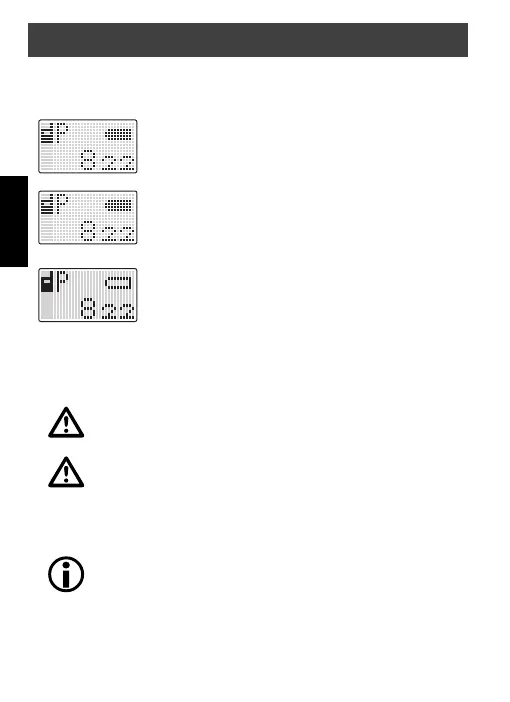
Check the battery icon:
Batteries full.
The batteries have to be changed soon.
Flashing, the batteries have to be changed or charged.
External earset
Earsets can be connected to the radio on to
Microphone/Speaker
jack
on the top of the radio.
To avoid damage to the radio use only original dnt acces-
sories.
Turn off the radio before connecting external accessories.
Adjust the volume to a low level to avoid injuries by hearing
a loud signal.
General
All settings made in the menu are stored and the radio
returns to standard mode if no button is pressed within 10
seconds.
General operation


 To Next Page