- 33 -
English
5. Use the
Up-/Down
button to select between 4
levels.
6. Press the
On/Off
button to confi rm.
Receiving
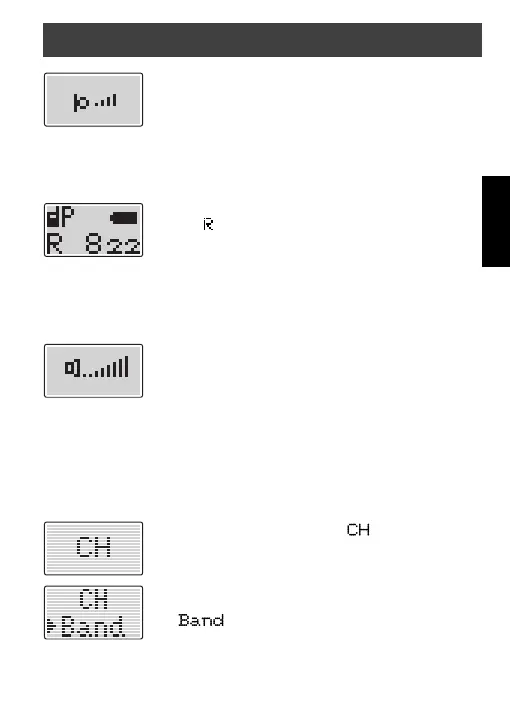
If the radio detects a valid signal in the selected chan-
nel, the receiving indicator appears, but the speaker
is only activated when the CTCSS code matches or is
switched off.
Volume control
The Volume can be adjusted in 8 steps.
To change the volume proceed as follows:
1. Press the
Volume
button for a short time, the dis-
play shows the current volume level.
2. Use the
Up-/Down
button to change the volume.
3. Press the
On/Off
button to confi rm.
Frequency band (only WT77)
The WT77 can work alternatively in LPD band (433 MHz 69 channels)
and in the PMR band (446 MHz 8 channels).
To change the band proceed as follows:
1. Press the
Up-/Down
until appears on the
display.
2. Press the
On/Off
button to confi rm.
3. Use the
Up-/Down
button to move the arrow to
.
4. Press the
On/Off
button to confi rm.
General operation


 To Next Page