- 34 -
English
5. Use the
Up-/Down
button to select between
and .
6. Press the
On/Off
button to confi rm.
7. Use the
Up-/Down
button to select the channel.
8. Press the
On/Off
button to confi rm.
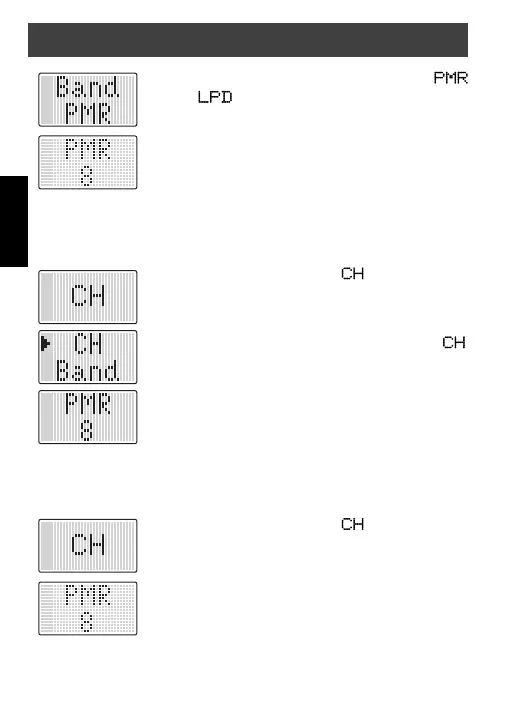
Channel selection for WT77
The WT77 offers 69 channels in the LPD band and 8 channels in the
PMR band. To change the channel proceed as follows:
1. Press the
Up-/Down
until appears on the
display.
2. Press the
On/Off
button to confi rm.
3. Use the
Up-/Down
button to move the arrow to .
4. Press the
On/Off
button to confi rm.
5. Use the
Up-/Down
button to select the channel.
6. Press the
On/Off
button to confi rm.
Channel selection for WT8
The WT8 offers 8 channels in the PMR band.
To change the channel proceed as follows:
1. Press the
Up-/Down
until appears on the
display.
2. Press the
On/Off
button to confi rm.
3. Use the
Up-/Down
button to select the channel.
4. Press the
On/Off
button to confi rm.
General operation


 To Next Page