27
Play on DOD Player
Please transfer the video files to your electronic device for smooth viewing and or storage.
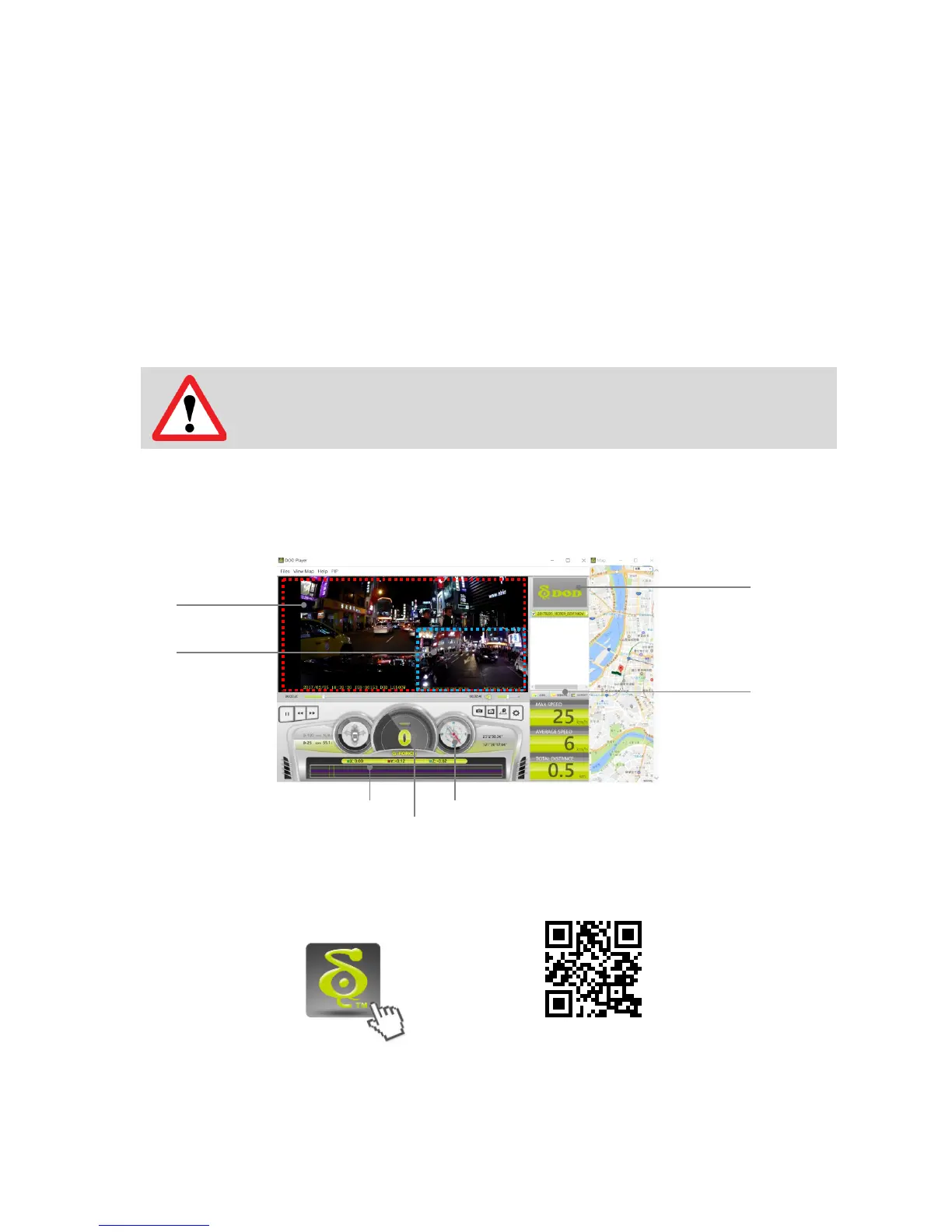
The DOD Video Player is a user-friendly program to playback videos and to visualize your
position and speed on your PC or Mac.
Installing the DOD Video Player
Download the software from DOD Tech’s website and follow instructions for installation.
Suggested System Requirements:
Windows XP or higher (i3 or better, with at least 2GB Ram)
Launching the DOD Video Player
Once launched, the player will appear on your screen.
Click the Player icon below to view instruction video
goo.gl/IUM9qd
Please ensure internet access before viewing instruction video
Learn more about DOD GPS PLAYER V2.0



 To Next Page