29
Video Output
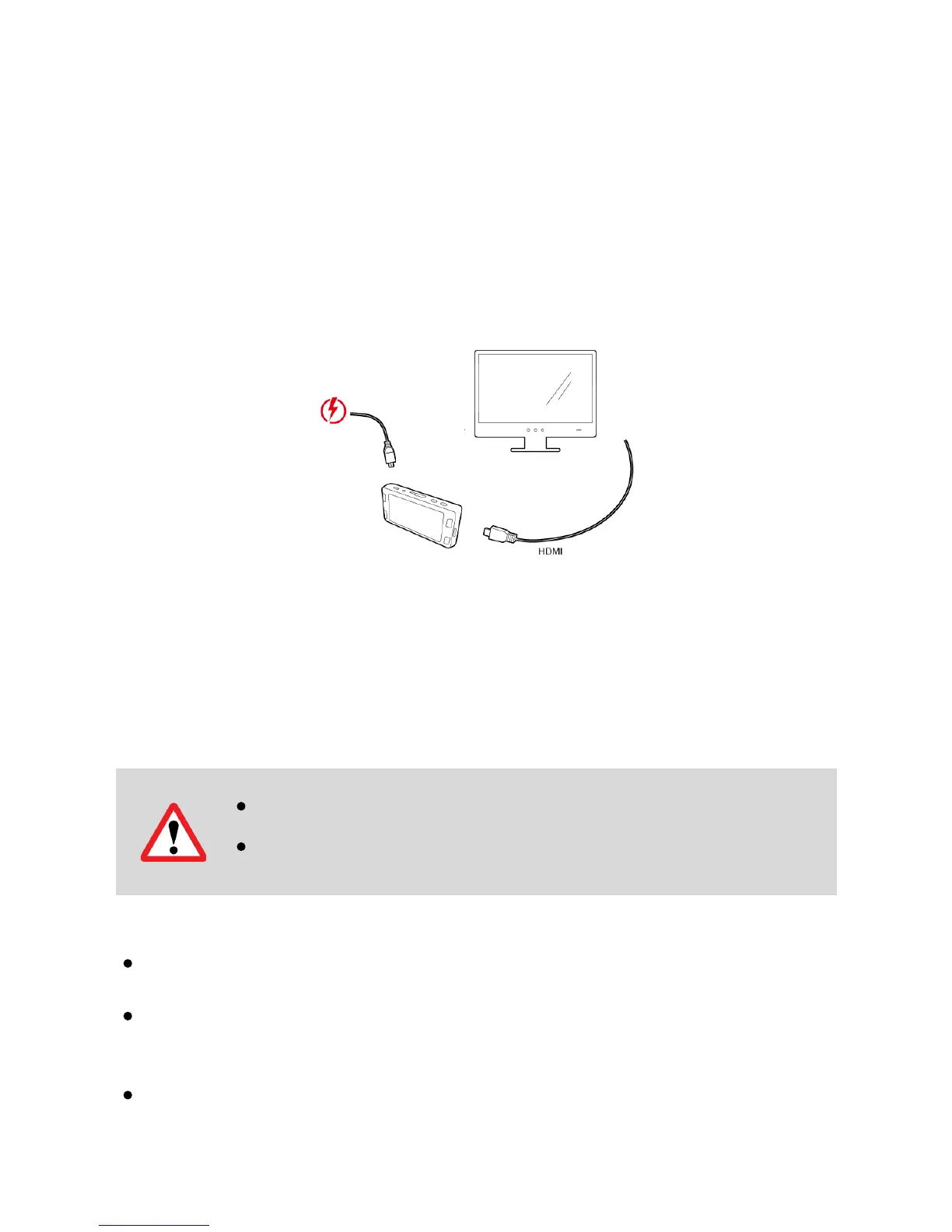
Choose one of the methods below to install the output connection.
HDMI (TV)
Connecting a mini-HDMI to HDMI from your camera to a compatible television/monitor will
automatically output the camera’s screen. Recording functions are disabled while
streaming video.
Firmware Update
See the support section on DOD Tech’s website for any available firmware updates and
instructions.
About SD Card
Test the Micro SD memory card regularly as the memory card is a consumable item, and
needs to be replaced periodically.
Reformat the memory card in the camera menu every two weeks to extend usable lifetime.
Thiss should only be done AFTER desired files have been saved elsewhere, such as
portable hard drive. Formatting the memory card will clear all files, including RO files.
DOD is NOT responsible for any malfunctions caused from the use of disingenuous,
modified, or unauthorized parts and accessories.
Note:
Please ensure stable power during firmware update, otherwise may result
in update failure or malfunction.
When update completes, system will show option
Please ensure to format SD card by computer / dashcam to prevent update



 To Next Page