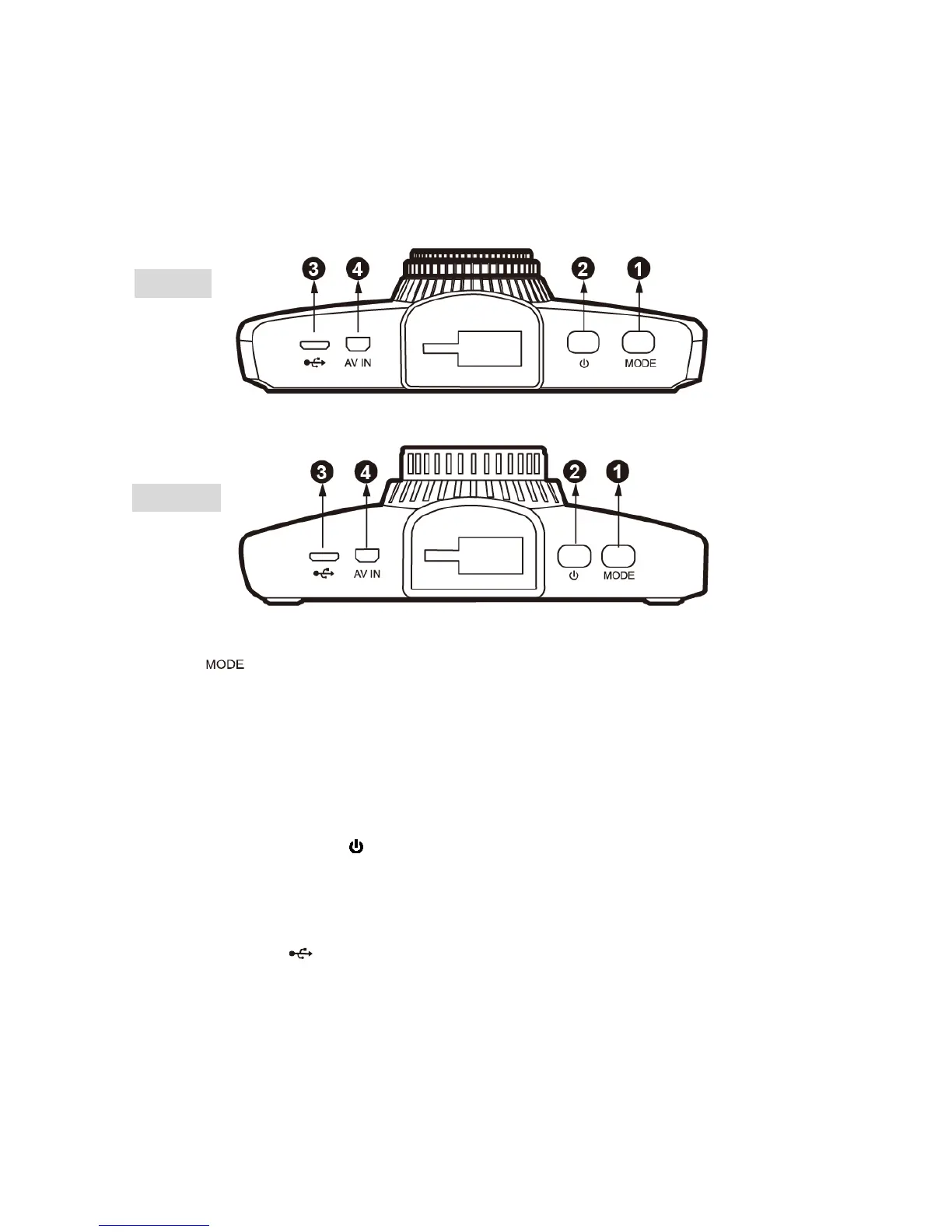
●1 Mode【 】
When in stand by (not recording): Press to switch between recording and playback mode.
While Recording:
Press to switch between live viewing modes. Screen can show front view only, rear view
only, large front with small rear, large rear with small front.
●2 Power Button ON/OFF【 】
Turns unit on/off
●3 Micro USB Port【 】
For use with the supplied DOD Car Power Adaptor or USB data cable.
●4 Rear Cam Connection Port【AV IN】
LS500W
LS500W+



 To Next Page