21
Camera Modes
2.Playback Mode
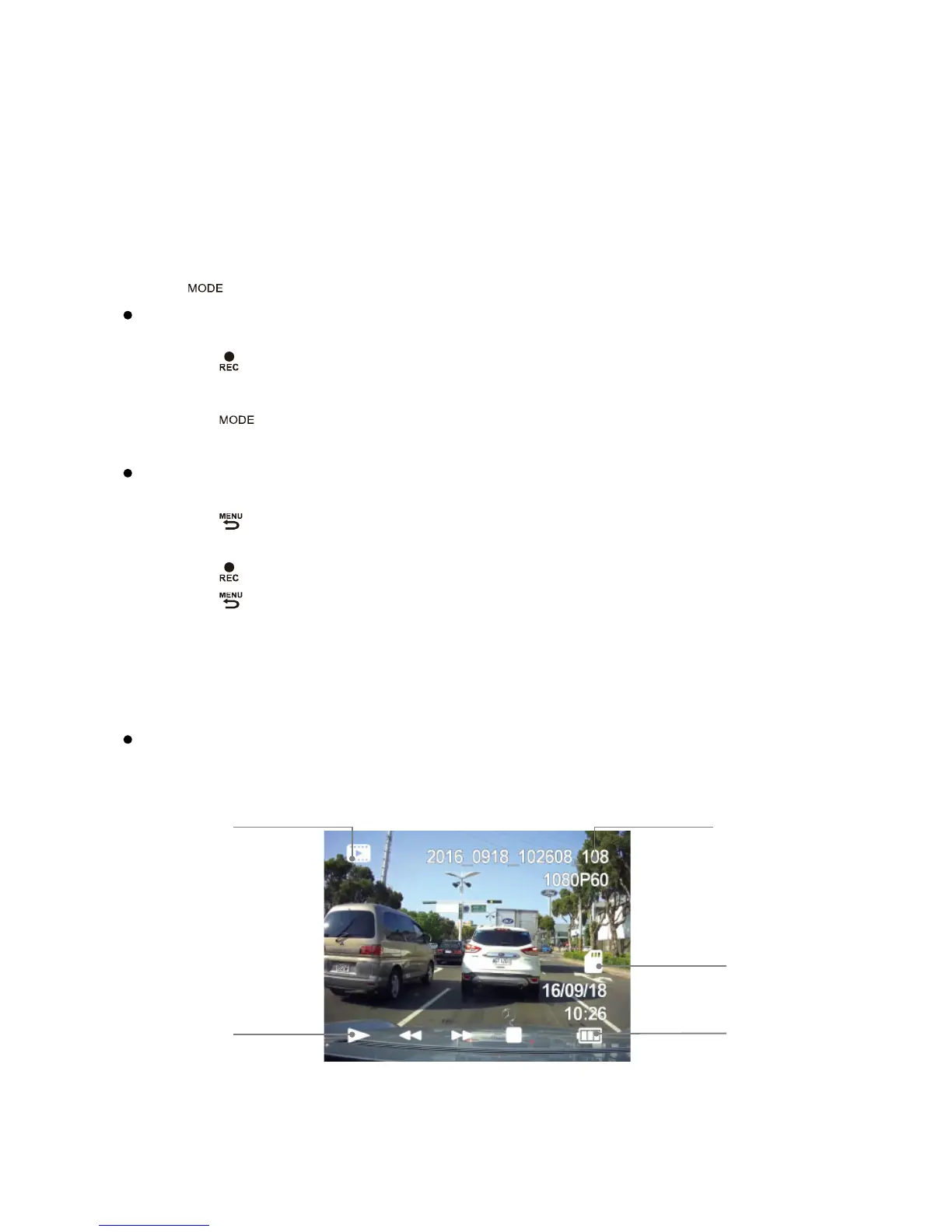
You can watch previously recorded videos in Playback Mode.
Press【 】to switch into the Playback Mode when unit is not recording.
Play the Video
Press【/】to choose file.
Press【 】to play or pause.
While playing video, press【/】to forwards/backwards.
Press【 】to exit the Playback Mode.
Delete or Protect Files from the SD card.
Press【/】to choose file.
Press【 】to enter Playback Menu.
Press【/】to select delete or protect current file.
Press【 】to confirm.
Press【 】to exit.
Note: If protected, a lock icon will appear on the screen.
If deleted, it cannot be undone. Choose “delete all” will not erase protected files.
The “Format” function will erase all files including locked files.
Slideshow
Press the menu button and navigate to slideshow.
Photos and the first frame of each video will be shown in order.



 To Next Page