19
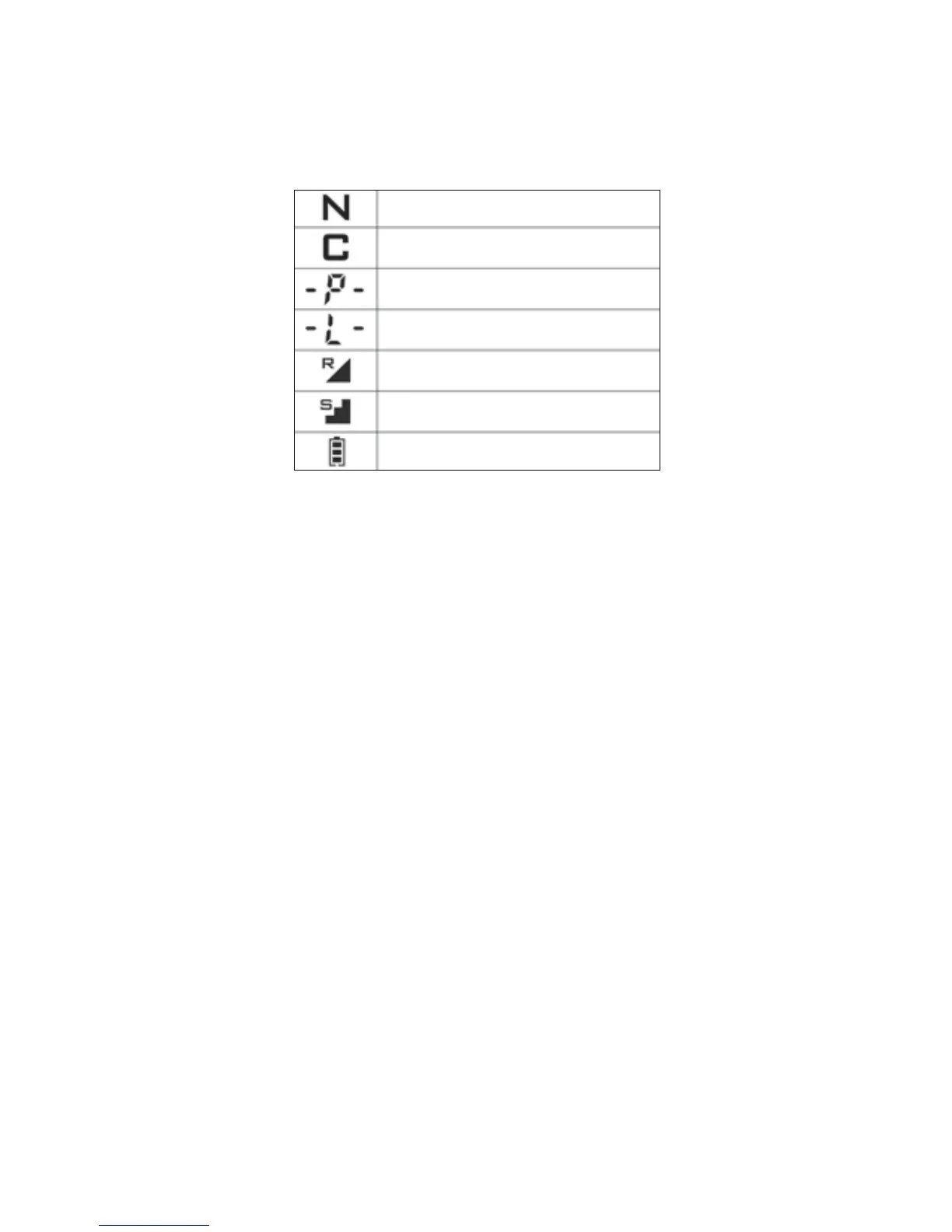
9. What the LCD icons mean
The icons on the LCD screen on the transmitter are listed below.
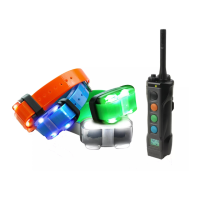
10. Changing the receiver/collar location light color
The EDGE receiver/collar location light can be set to any of the 4
colors offered.
To change the receiver/collar location light to white, red, green, or
blue, follow the instructions below,
6WDUWZLWKWKHUHFHLYHUFROODUWXUQHGRII
2. Hold down the on/off button on the receiver/collar for
10 seconds.
* Attention: The on/off button must be pressed for a full
10 seconds.
5HOHDVHWKHRQRIIEXWWRQDIWHUWKHZKLWHORFDWLRQOLJKWÀDVKHV
UDSLGO\7KHZKLWHORFDWLRQOLJKWZLOOVWDUWÀDVKLQJDIWHUWKHVLQJOH
JUHHQVPDOO/('LQGLFDWRUFRGHVHWWLQJOLJKW¿QLVKHVEOLQNLQJ
4. Press the on/off button once to set the desired color.
* The location light colors will rotate in the order of white, red,
green, and blue for two full rotations.
* The location light color will reset to the corresponding color
when re-coded to another button.
1LFN
Constant
Pager
Light
Rheostat/volume intensity control
6HOHFWRUVWHSLQWHQVLW\FRQWURO
Battery life indicator


 To Next Page