1616
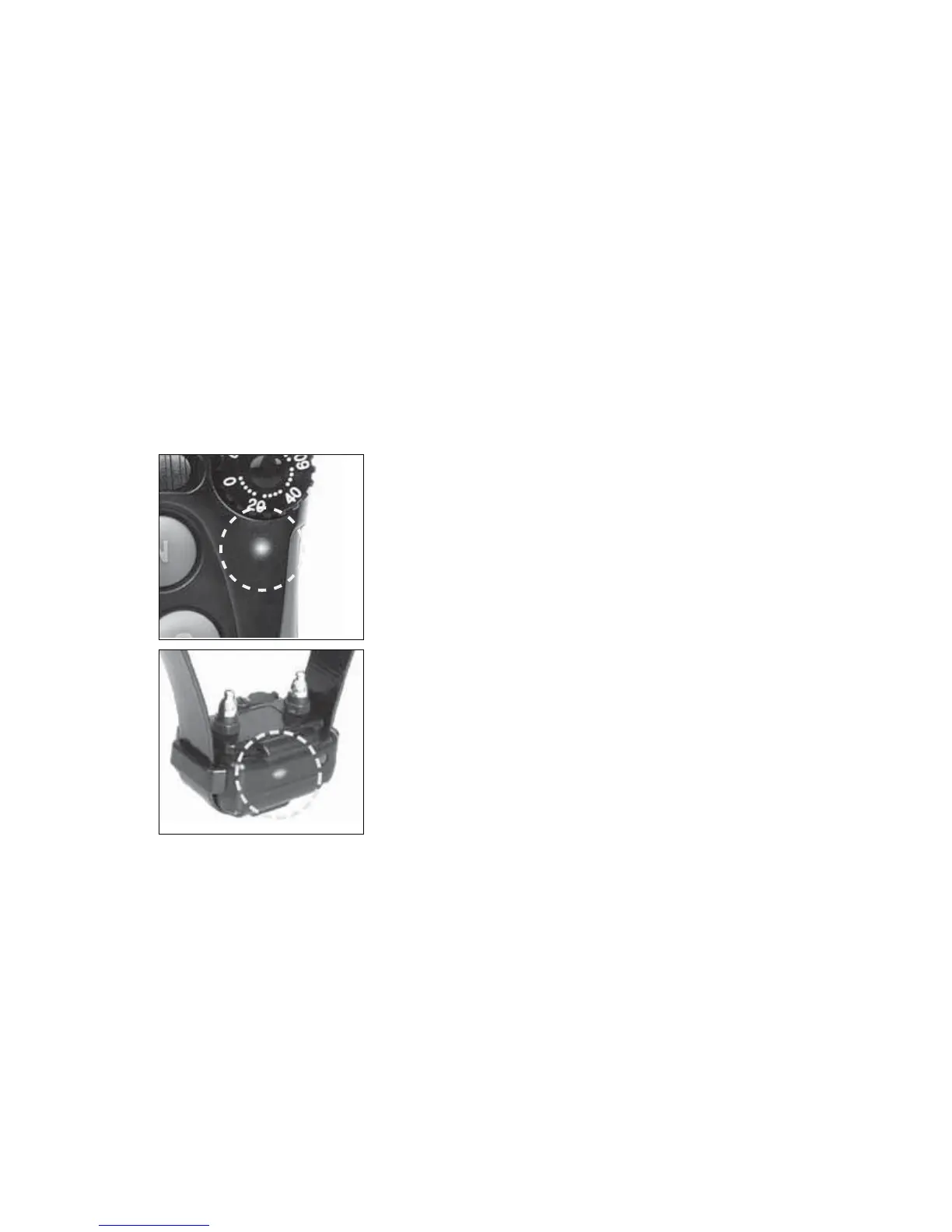
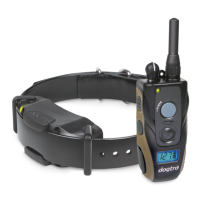
When the receiver/collar is on and ready to
RSHUDWHWKH/('ÀDVKHVHYHU\VHFRQGV
The LED will glow steadily on both
handheld transmitter and receiver/collar
while any buttons are pressed.
The LED color indicates battery life level.
Green = full charge, Amber = medium,
Red = needs charge
If you continue to operate the unit when
the LED is red (needs charge), it will shut
down.
6. Checking the status using the LED indicator
6. Checking the status using the
LED indicator



 To Next Page