8
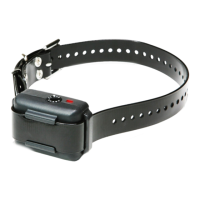
- The On/Off & Stimulation Dial is used to turn the YS600
on/off and to select the stimulation level.
- Set the dial to “.” to turn off the YS600.
- Set the dial to “P” for HPP (High Performance Pager)
vibration only mode.
- The YS600 has stimulation levels 1 (lowest)
through 10 (highest). Each stimulation level begins with
a vibration and is followed by the stimulation.
- Set the dial to “T” to test the YS600. See Testing the
YS600 on page 11 to check if your unit is working
properly.
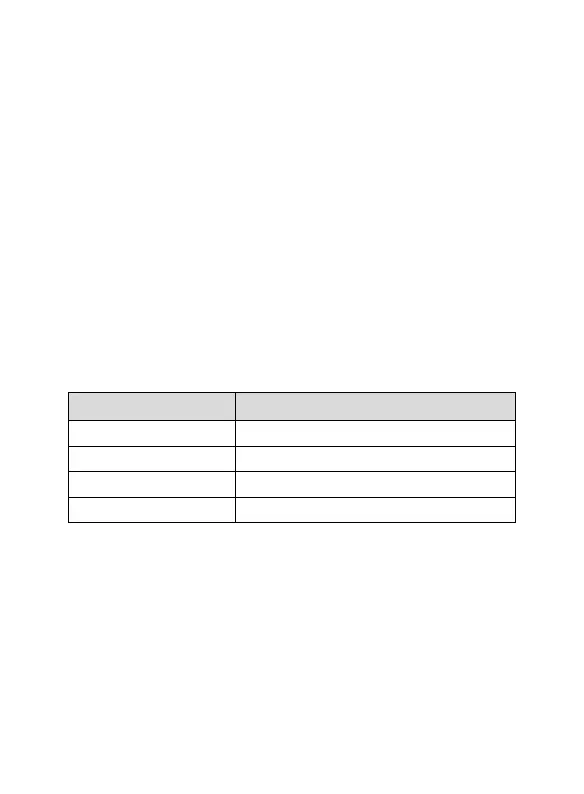
On/Off & Intensity Dial Function
• Power Off
P (HPP) High Performance Pager Vibration
1~10 Stimulation Level
T Test Mode
USING THE ON/OFF &
STIMULATION DIAL
NOTICE
When first using the YS600 No Bark Collar, it is
recommended to start at the lowest stimulation level.
If your dog continues to bark, gradually increase the
stimulation level. Closely monitor your dog’s reaction to
find the right stimulation level for your dog.



 To Next Page