EasyManua.ls Logo

Dolphin DOLMGK - User Manual

Dolphin DOLMGK
8 pages
Print Icon
To Next Page IconTo Next Page
Loading...
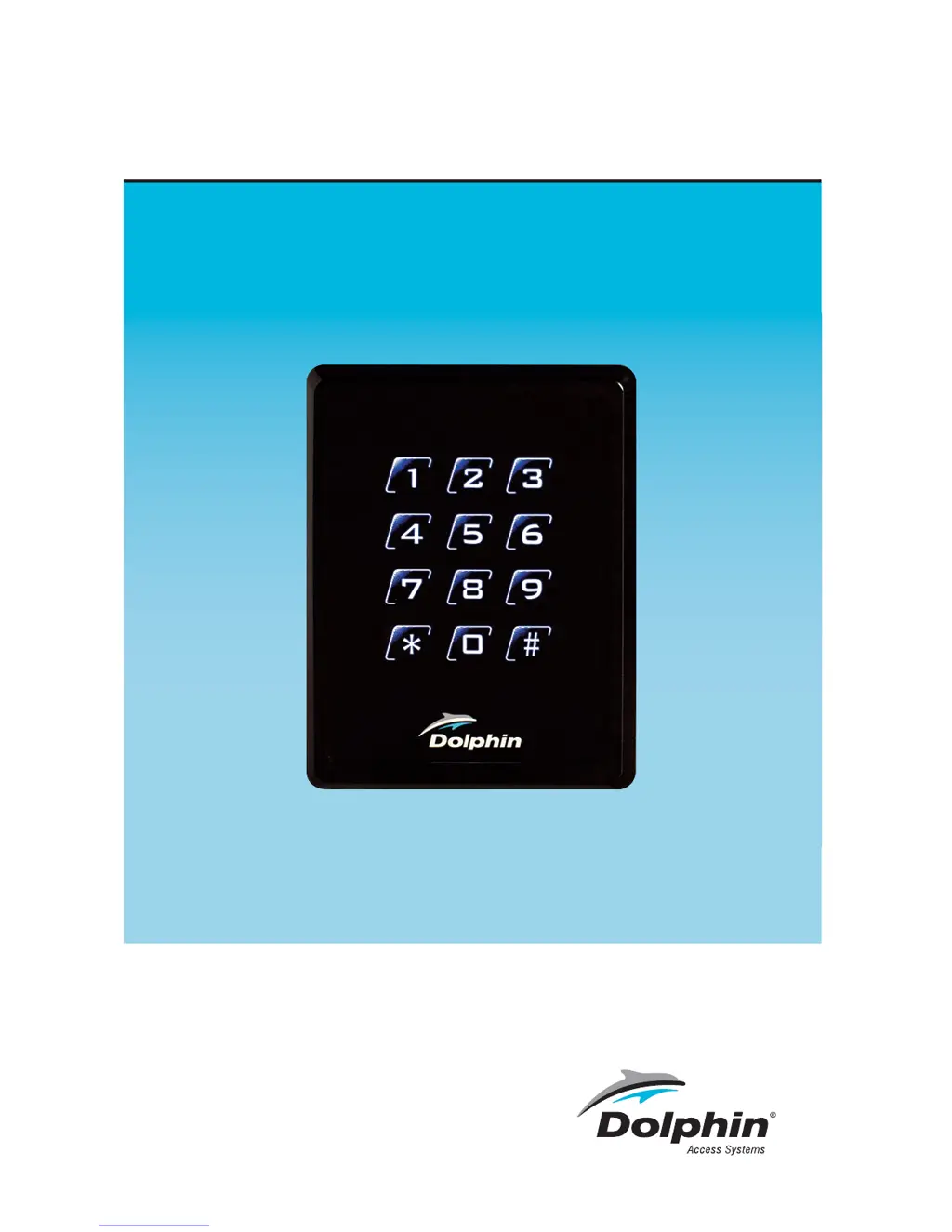
DOLMGK Keypad w/Reader
Partno: DOLMGK
V.4.6.17
USER MANUAL

Questions and Answers

  • D
    Dr. Joshua FreemanAug 1, 2025
    What to do if Dolphin DOLMGK cannot read card number correctly?
    • K
      Katelyn ThomasAug 1, 2025
      If your Dolphin Keypad is having trouble reading card numbers, verify that the format setting on the controller matches the card format. Try using an approved card with a known format and Facility Code for testing. Also, make sure the shield cable is correctly connected to Ground at only one point.
  • A
    Anna KramerAug 7, 2025
    What to do if Dolphin Keypad reader beeps but has no card data info?
    • S
      shawjenniferAug 7, 2025
      If your Dolphin Keypad reader beeps but shows no card data, check that the data 0 and data 1 cables are correctly connected. Also, verify that the input voltage at the card reader is correct.
  • M
    Matthew LewisAug 12, 2025
    Why does my Dolphin DOLMGK auto restart?
    • D
      Devin ShawAug 12, 2025
      If your Dolphin Keypad is automatically restarting, ensure that the input voltage is sufficient.
  • R
    riosaprilAug 16, 2025
    How to fix Dolphin DOLMGK Keypad buzzer error?
    • J
      john23Aug 16, 2025
      To fix a buzzer error on your Dolphin Keypad, check if the buzzer cable is correctly connected.
  • A
    Alexander KramerAug 22, 2025
    How to fix Dolphin Keypad back lit error?
    • S
      Samantha CurtisAug 22, 2025
      To resolve a back lit error on your Dolphin Keypad, check that the LED cable is correctly connected. You can also use the Default Configuration Card to set it back to normal.
  • J
    jeanette70Aug 27, 2025
    What to do if Dolphin Keypad has no response when powering up?
    • T
      Terri GilbertAug 27, 2025
      If your Dolphin Keypad shows no response when powering up, disconnect the power and ensure the power supply cable is correctly connected. Also, check that the input voltage is sufficient.

Summary

Mounting the DOLMGK Keypad

Install Metal Plate

Mount the metal plate on the wall using screws, depending on the gang box type.

Attach Reader Cover

Clip the cover onto the upper edge and push the bottom part into place.

Secure Reader Assembly

Tighten the non-dropout screw underneath the reader to fix it to the back plate.

DOLMGK Keypad Specifications

Recommendations for DOLMGK

Linear DC Power Supply

Use a linear DC power supply for the reader, ensuring stable voltage.

Shielded Cable Grounding

Utilize 22AWG shielded cable and implement one-point grounding for signal integrity.

DOLMGK Keypad Wiring

DOLMGK Power Up Sequences

Initial Power-On Indicator

Green LED blinks for 5s, reader beeps once, signaling it's ready for use.

Card Read Feedback

Presenting a card triggers a single Blue LED blink and a buzzer sound.

Data Transmission Logic

Card data transmits to controller; LED behavior depends on controller inputs.

Keypad Input Confirmation

Keypad presses flash backlight and beep; PIN output is 4-bit burst by default.

Physical Dimensions

Troubleshooting DOLMGK Keypad

DOLMGK Keypad Warranty Information

Dolphin DOLMGK Specifications

General IconGeneral
BrandDolphin
ModelDOLMGK
CategoryKeypad
LanguageEnglish

Related product manuals