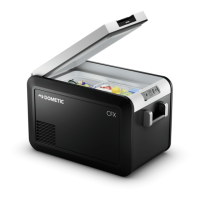
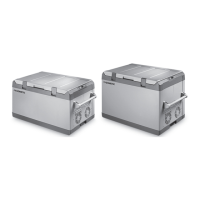
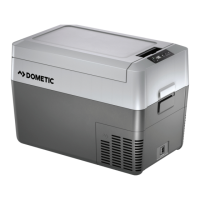
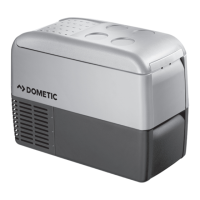
Function description CFX3
24
• Removable wire basket
• CFX3 55IM only: Ice maker
6.2 Operating and display elements
Latch for lid: fig. 2 1, page 3
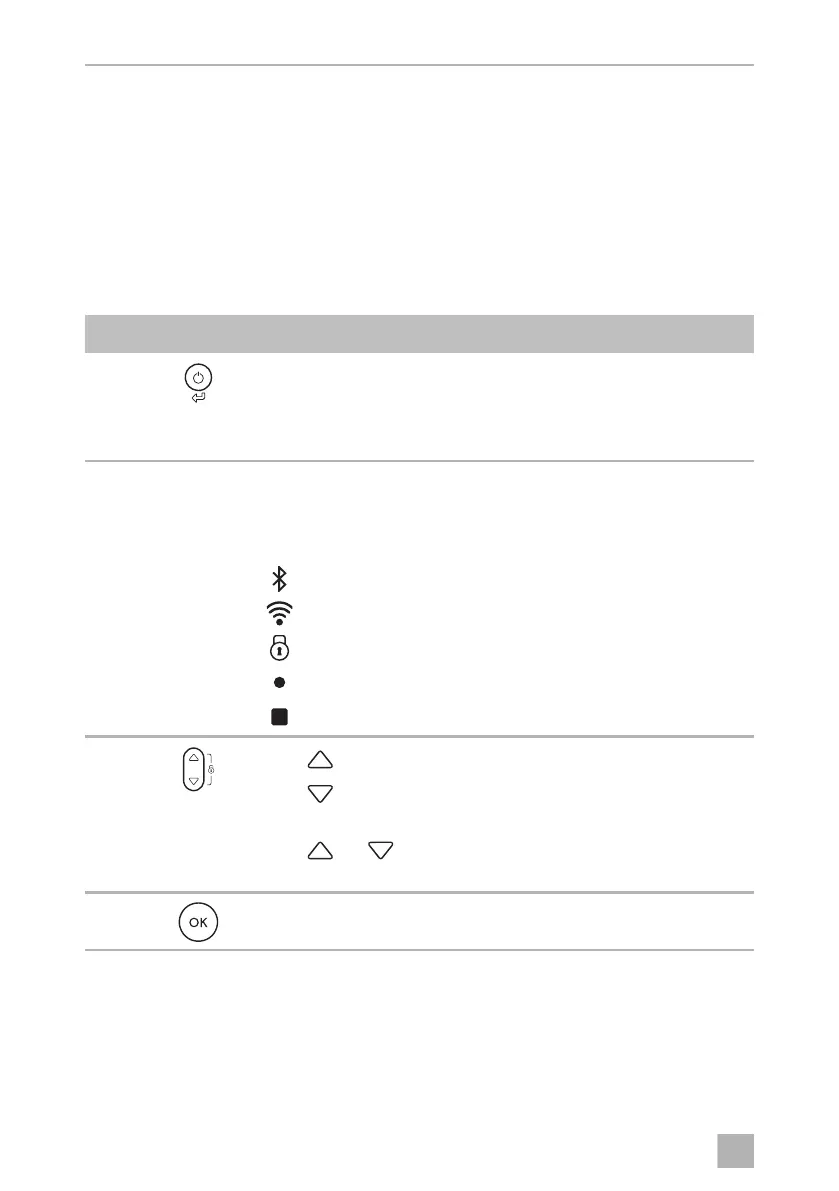
Operating panel (fig. 3, page 4):
Item Description Explanation
1 Switches the cooler on when the button is pressed briefly
Switches the cooler off when the button is pressed for three
seconds
Returns to the previous menu
2 Display Shows the information
: AC power supply is connected
: DC power supply is connected
: Bluetooth is activated
: WiFi is activated
: Display is locked
: Compressor is working
: Ice maker is working (CFX3 55IM only)
3
Press to navigate upwards or to increase the selected value.
Press to navigate downwards or to decrease the selected
value.
Press and simultaneously for 3 s to lock or unlock the
display.
4 Press to select a menu or to save the selected value.
C
CFX3_OPM_EMEA.book Seite 24 Montag, 3. Februar 2020 5:41 17



 To Next Page
 Loading...