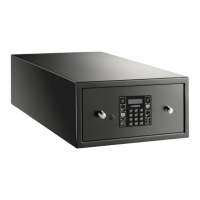
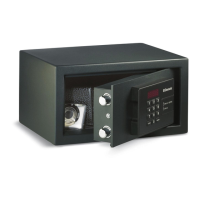
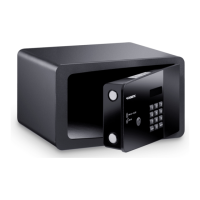
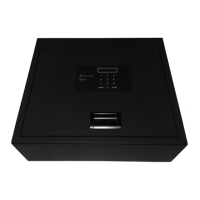
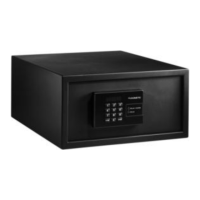
Using the safe MDD403
12
➤ Press the ENTER button twice.
➤ Enter the correct six digit master code.
➤ Press the ENTER button.
✓ The display shows the message DELAY.
➤ Press the ENTER button.
➤ Enter a new six digit master code within ten seconds.
➤ Press the ENTER button.
✓ The display shows the message REPEAT.
➤ Press the ENTER button.
➤ Repeat the entry of the new six digit master code within ten seconds.
➤ Press the ENTER button again.
✓ The safe confirms the change of the master code with an audio tone.
8.3 Emergency opening using R.E.O.S. (optional)
I
The remote emergency opening system (R.E.O.S.) gives a new four digit code in
case that the guest has forgotten the code used to close the safe.
Open the safe with R.E.O.S. code
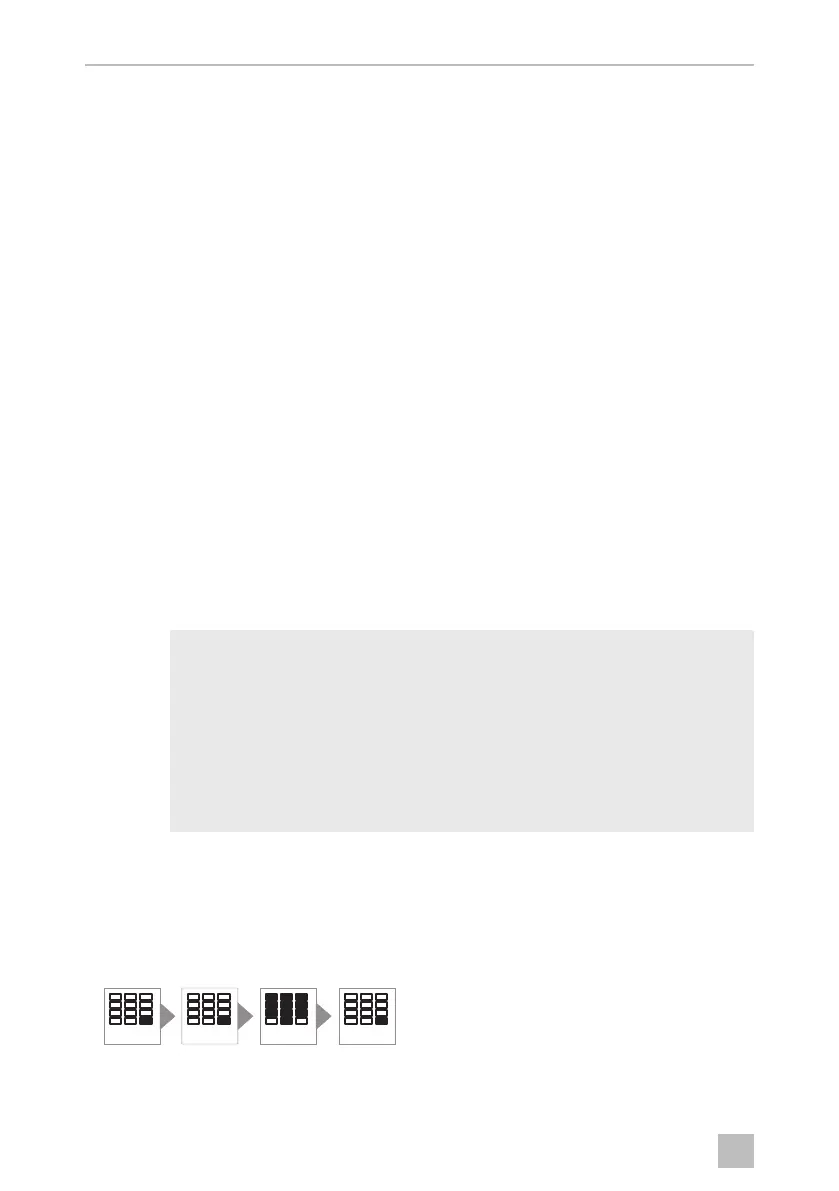
➤ Press the ENTER button twice.
NOTE
You need access to the Internet to use R.E.O.S.
You must be registered on the internet at
www.sam.dometic.com to be able to use the functions available
there.
The safe must be preconfigured accordingly to be able to use the
R.E.O.S. function. Please contact the manufacturer if you have any
questions (see back for addresses).
ENTERENTER
PIN 6X
ENTER
0'',2VERRN6HLWH'RQQHUVWDJ)HEUXDU


 To Next Page
 Loading...