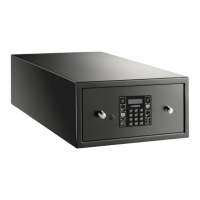
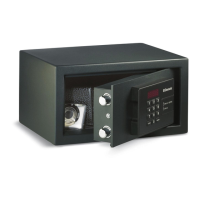
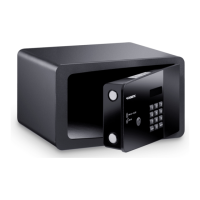
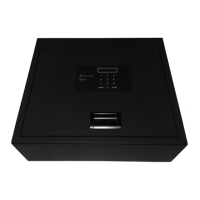
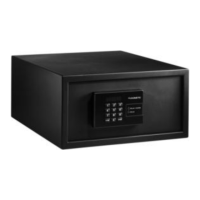
Using the safe MDD403
22
Deactivating the anti-tamper system (optional)
A
In order to deactivate the anti-tamper system following removal of the cover for the
locking mechanism, the anti-tamper code (factory-set code: 355408) must be
entered:
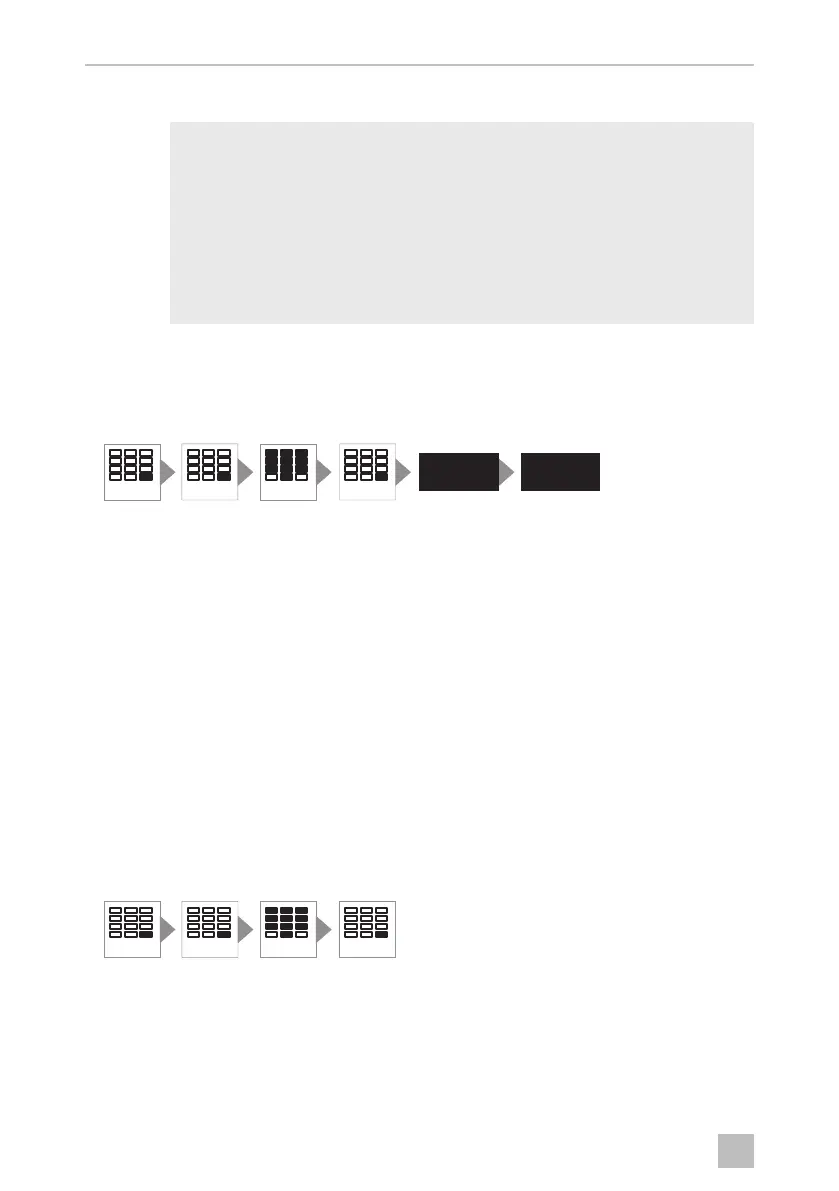
➤ Press the ENTER button twice.
➤ Enter the six digit anti-tamper code.
➤ Press the ENTER button.
✓ The display shows the message DELAY.
✓ After 10 seconds the safe opens and the display shows the message OPEN.
✓ Three short beeps sound.
Deactivating the anti-tamper system using SAM
In order to deactivate the anti-tamper system after opening the safe with the master
key, or following removal of the cover for the locking mechanism, the anti-tamper
code must be entered:
➤ Press the ENTER button twice.
➤ Enter the six digit anti-tamper code.
➤ Press the ENTER button.
NOTICE!
If you forget your anti-tamper code, nobody can access the safe any
more (not even the manufacturer). No resetting, or similar action, is
possible.
Therefore note down the anti-tamper code and store it very carefully
in a safe location.
The safe has a factory-set anti-tamper code. Change this code for
security reasons.
ENTERENTER
PIN 6X
ENTER
DELAY
OPEN
ENTERENTER
PIN 6X
ENTER
0'',2VERRN6HLWH'RQQHUVWDJ)HEUXDU


 To Next Page
 Loading...