- 15 -
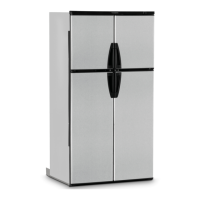
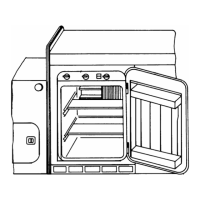
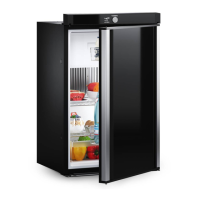
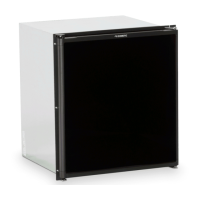
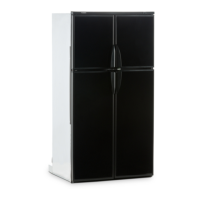
refrigerator overview
control panel
Press the button to turn the refrigerator ON or OFF.
Press the button to turn the AUTO mode ON or OFF.
The thermostat has 5 settings where 1 indicates the warm-
est and 5 the coldest temperature setting. Press the button
repeatedly until the desired setting, e.g. 3, is shown in the
LED display. This value is shown for about 5 seconds and
then the temperature is displayed once again.
1 2 3
led panel indications status information
Display is on Refrigerator on
Display is off Refrigerator off
The AUTO indication
dot is lit.
AUTO mode and
AC operation
The AUTO and LP
indication dots are lit.
AUTO mode and
GAS operation
The AUTO indication
dot is lit. LP indication dot
ashes slowly.
Temporary gas lockout function. Only in AUTO mode. It pre-
vents gas operation when stopping at a refueling station.
The LP indication
dot is lit.
Manual GAS operation mode.
Digits
e.g. Fresh food temperature.
Thermostat range setting indication (1 - 5). Temporary during
setting. The thermostat settings are stored automatically after
5 sec. of inactivity.
Message indications:
“60” is
displayed.
Temperature is above
measurement range
“LP” is ashing (The message
alternates between “LP”
and the temperature.)
Gas operation lock out.
(Check gas.)
4


 To Next Page