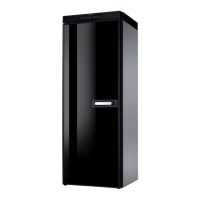
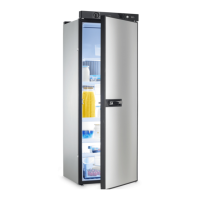
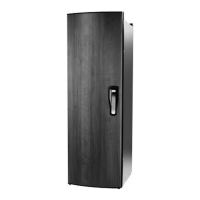
RML10.4, RML10.4S, RML10.4T Accessories
21
• If the device is left empty for long periods:
– Switch off the device.
– Defrost the device.
– Clean and dry the device.
– Leave the door open to prevent mould developing within the
device.
Risk of injury
• The device door or the freezer door can completely detach from the
device if used incorrectly. Push the doors closed until you hear a clear
click at the top and bottom.
• Do not lean on the open device door.
A
NOTICE! Damage hazard
• If the door is not locked correctly on the opposite side, push on that
side at the top and the bottom until it locks in place.
• Only store heavy objects such as bottles or cans in the device door, in
the vegetable compartment or on the bottom shelf.
I
NOTE
• Ask your vehicle manufacturer if the battery management of your
vehicle shuts down the devices to protect the battery.
• Put the device door and the freezer door into the winter position if you
are not going to use the device for a longer period of time. This pre-
vents mold from forming.
• For ambient temperatures of +15 °C to +25 °C, select the average
temperature setting.
3Accessories
Description
Winter cover LS230 for the ventilation grill
Winter cover LS330 for the ventilation grill
Optional Fan Kit REF-FANKIT
Note: The Fan Kit can only be installed in refrigerators with software version 37 or higher
(fig. 2, page 5).
Optional Battery pack Pack R10-BP for stand-alone gas operation
Optional Ø2,5/5,5 mm connector for stand-alone gas operation with a 9 Vg powerbank
RML10_OPM_WEST.book Seite 21 Mittwoch, 8. April 2020 2:18 14



 To Next Page
 Loading...