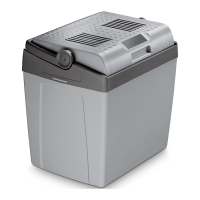
BordBar TB15 Cleaning and maintenance
11
➤ Thread the seat belt into one of the belt holders and fasten the device:
– front belt holder (fig. 2 B or C, page 3)
– bottom belt holder (fig. 2 D, page 3)
I
Switching the device on and off
➤ Plug the 12 V connection cable into the cigarette lighter socket or a 12 V socket
in the vehicle.
➤ Push the slide switch into the required position.
✓ The cooler is switched on and starts cooling or heating the interior.
✓ The respective LED lights up.
➤ When you want to switch off the cooler, disconnect the plug.
Using the battery monitor
➤ Switch on the battery monitor if you are operating the device with a 12 V on-
board supply.
➤ Switch off the battery monitor if you are operating the device with a mains rectifier
(accessory) using an AC power supply.
8 Cleaning and maintenance
!
A
➤ Occasionally clean the device interior and exterior with a damp cloth.
➤ Make sure that the air inlet and outlet vents on the device are free of any dust and
dirt, so that heat can be released and the device is not damaged.
NOTE
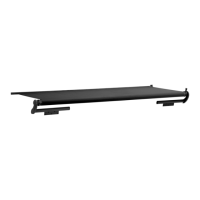
Press the release button on the bottom of the device to insert the
fastening rail.
WARNING! Electrocution hazard
Always disconnect the device from the power supply before you clean
and service it.
NOTICE! Risk of damage
• Never clean the cooler under running water or in dish water.
• Do not use abrasive cleaning agents or hard objects during cleaning
as these can damage the cooler.
TB15_OPM_EMEA16.book Seite 11 Mittwoch, 19. Juni 2019 8:58 20


 To Next Page
 Loading...