3. CONTROLLER PROGRAMMING
There are two possible programming options for the controller: simple and advanced. Simple programming is used when there
is no need for advanced controller features.
To enter / exit the menu and carry out programming press the keypad buttons briefly. The controller will give certain sound and
light signals (see table 4).
CONTROLLER PROGRAMMING
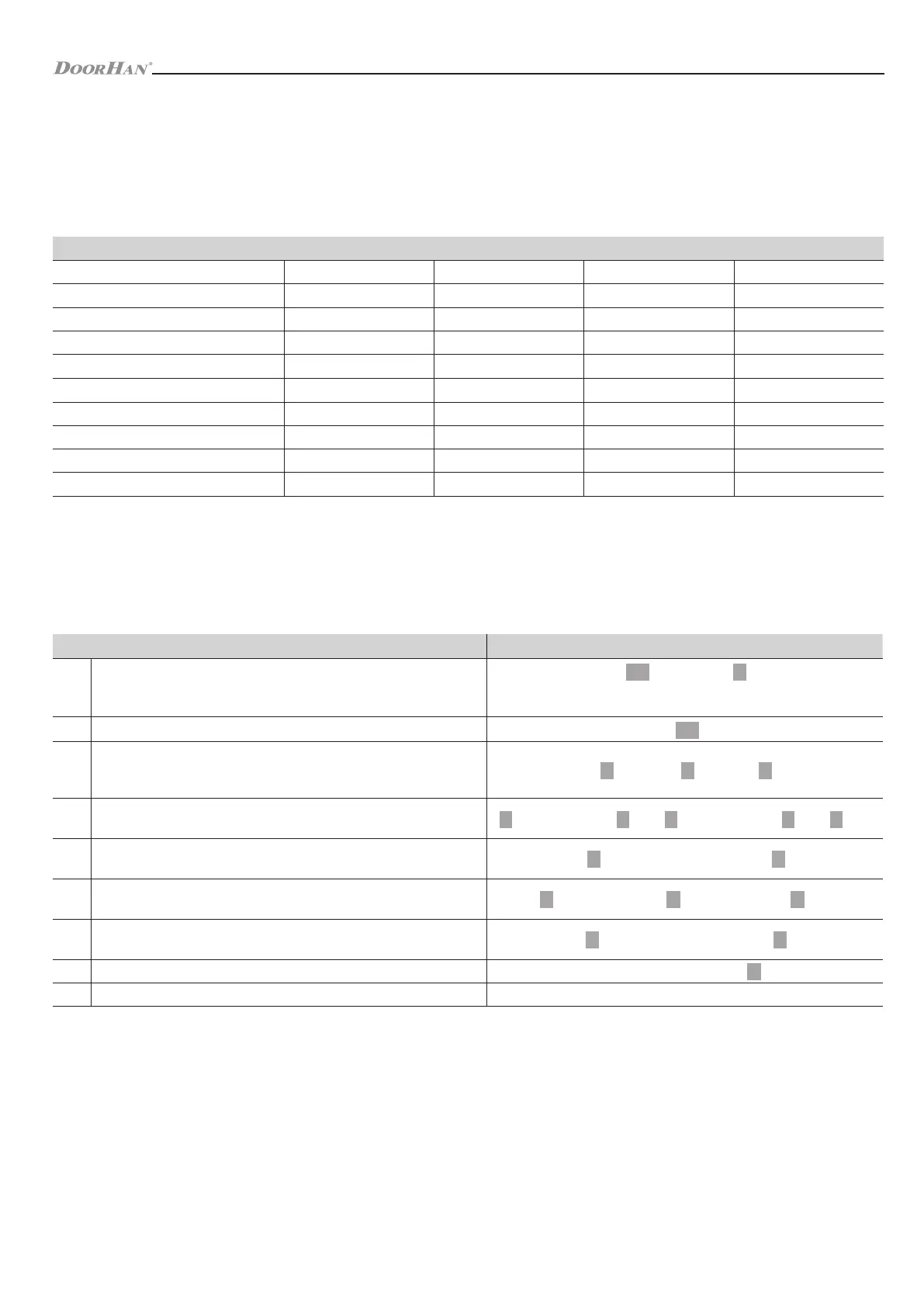
Table 4. Sound and light indication
Operational state Red light Green light Yellow light Signal
Power on — • — one bip
Readiness • — — —
Key pressing — — — one bip
Successful operation — • — one bip
Error in operation — — — three bips
Entering the programming mode • — — —
In the programming mode — — • one bip
Quitting the programming mode • — — one bip
Door opening — • — one bip
Alarm signal • — — alarm
3.1. SIMPLE PROGRAMMING
User ID number is the user number under which the user is registered in the controller, the number is from 1 to 2000.
PIN is any combination of four numbers from 0000 to 9999 excluding 1234 which is reserved.
The user should enter the programming mode to perform operations with the controller (see table 5).
3.2. ADVANCED PROGRAMMING
User ID number is the user number under which the user is registered in the controller, the number is from 1 to 2 000.
PIN is any combination of four numbers from 0000 to 9999 excluding 1234 which is reserved.
Card number is the last 8 digits printed on the card.
Before programming, you must select one of the three modes of operation of the controller (see p.4 table 6):
1. Access with cards only
2. Access with cards and PINs
3. Access with cards or PINs (factory setting).
The user should enter the programming mode to perform operations with the controller (see p.1 table 6).
# Description Commands
1
Entering the programming mode
999999 – preset factory master code
Master code #
The indicator will blink green and light up red. If the code has been
entered incorrectly then triple audible signal will be heard
2 Exit from the programming mode
3
Change of master code
It is recommended to change it after the first log-in. New code should have
from 6 to 8 symbols
0 New code # New code #
4
Add a user PIN
Users can be constantly added without quitting the programming mode.
1 User ID number 1 # PIN # User ID number 2 # PIN # etc.
5
Add a user card
Cards can be constantly added without quitting the programming mode
1 Read card 1 Read card 2 etc. #
6
Delete a user PIN
Users can be deleted without quitting the programming mode
2 User ID number 1 # User ID number 2 # etc.
7
Delete a user card
Users can be deleted without quitting the programming mode
2 Read card 1 Read card 2 etc. #
8 Door opening with PIN
Enter the PIN then press #
9 Door opening with a card Apply the card
Table 5. Simple programming
12



 To Next Page