- 58 -
Step 4) Press YES and then the system
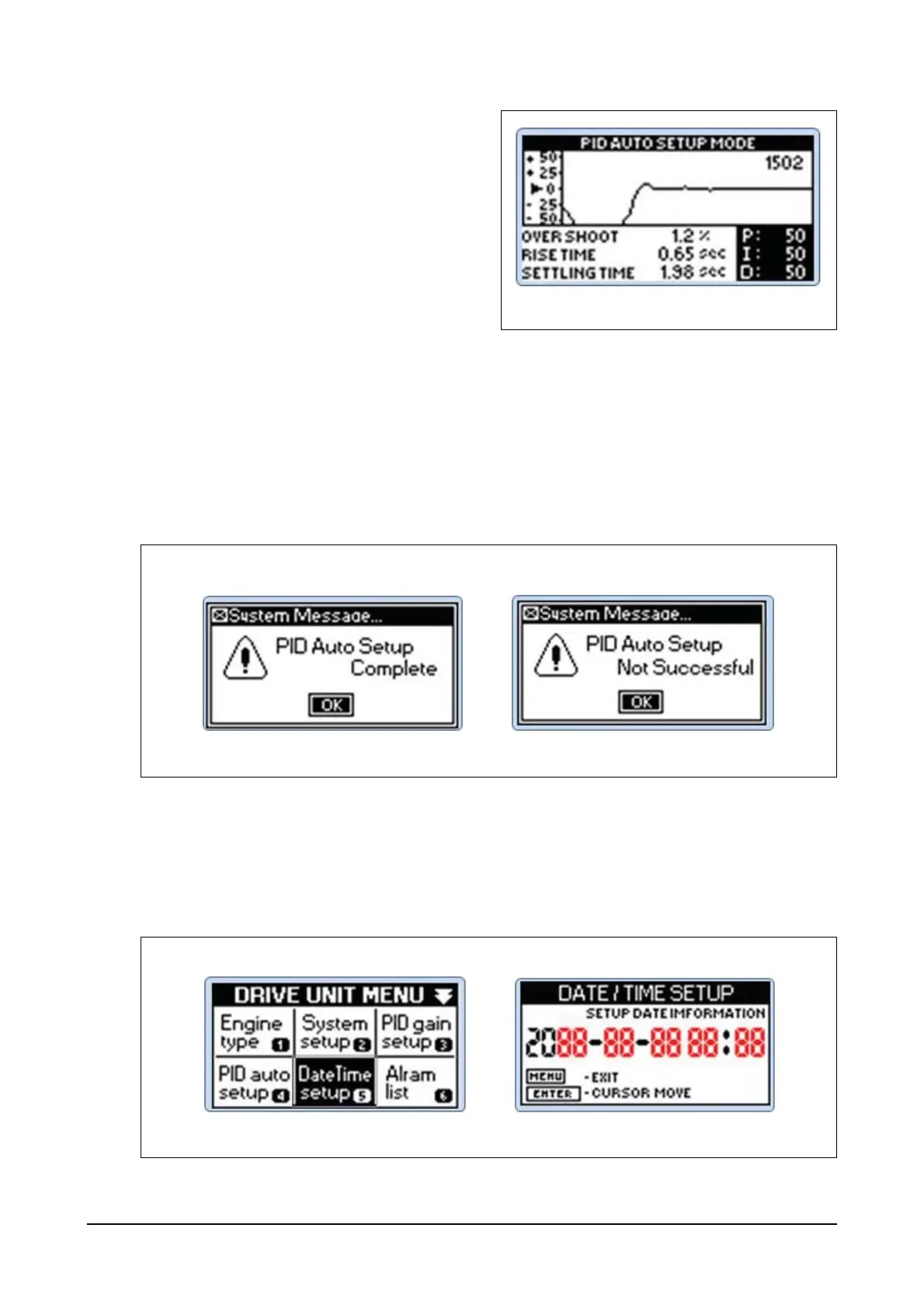
message "PID AUTO SETUP
MODE" will appear. As PID auto
setup was initiated during the
operation, PID auto tuning is
already in progress.
Step 5) PID tuning repeats a process to obtain PID values and a window to indicate whether the pro-
cess succeeded or failed will appear in several minutes (approx. 4 to 6 minutes). If the pro-
cess succeeded, the system message window will appear together with OK button. If you
press Enter button, you will go back to normal operation window and the auto-tuned values
will apply to the normal operation that will be continued.
Step 6) If auto-tuning failed to identify optimized P, I and D values within 4 to 6 minutes, the system
message window will display failure. If you press Enter button, you will go back to normal
operation window. If you want to repeat the process, you need to start with Step 1 again.
(5) Date/Time value configuration
Step 1) Press Menu button of the controller and then you can see DRIVE UNIT MENU.
Use direction buttons to select Date/Time setup menu.
Step 2) Use Up, Down, Left and Right buttons to input year, month, day and hour and then press
Enter button.




 To Next Page