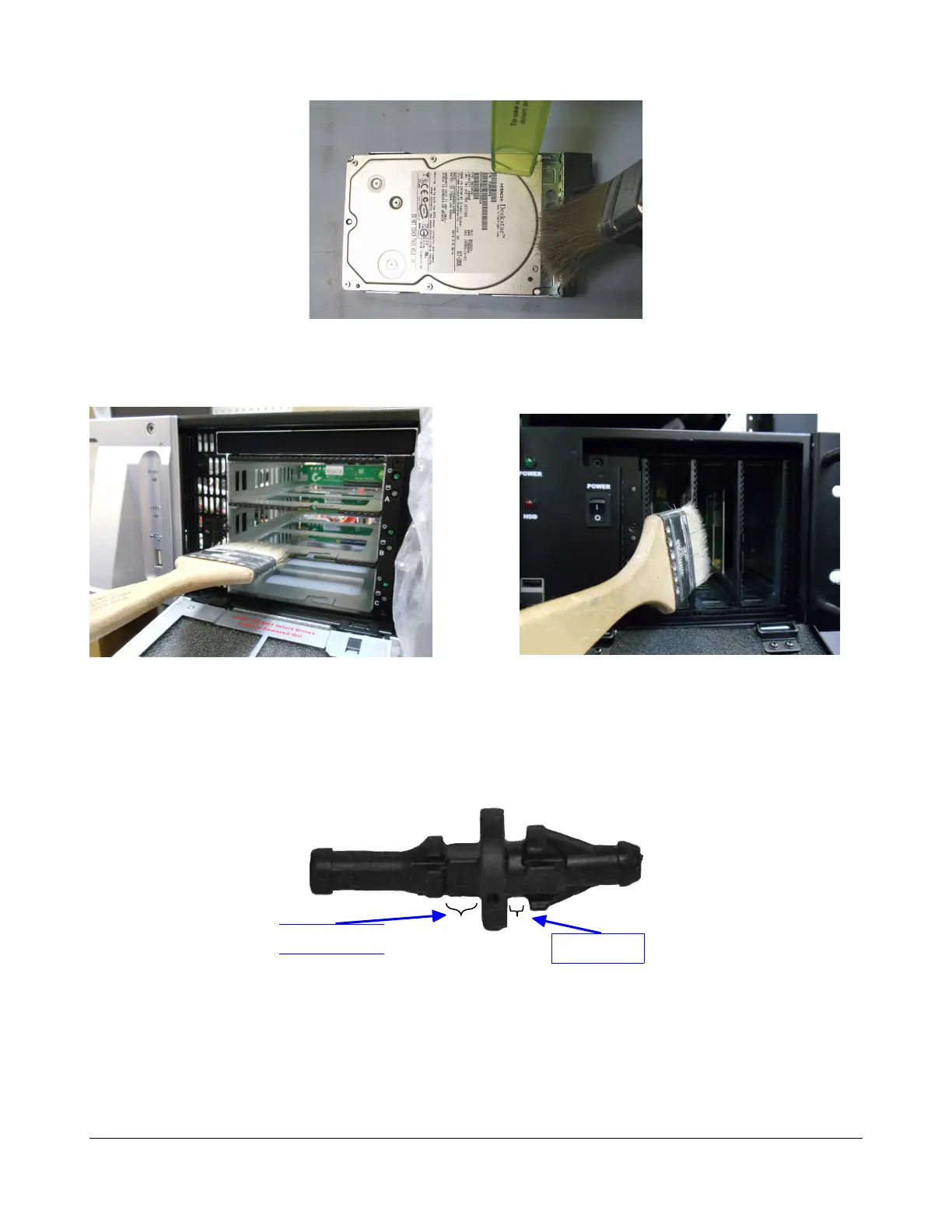
Figure 14: Hard Disk Drive Cleaning
9. Remove the dust from the Hard Disk Drive front panel area as illustrated in Figure 15 and
Figure 16.
Figure 15: Horizontal HDD Area Cleaning Figure 16: Vertical HDD Area Cleaning
5.1.3 2U Fans and Dolphin Fan Shock Mounts Visual Inspection
The 2U fans and the Dolphin fan might be mounted on the rear panel using shock mounts (Figure 17).
Each shock mount replaces a screw.
Figure 17: Fan Shock Mount
Check that the fans are properly shock-mounted by visual inspection only.
1. Look at the rear panel. You should NOT see any first shock mount gaps (see Figure 18a
below).
2. Verify, from the top of the unit, that the fans are parallel to the chassis, as presented in Figure
18b below.
D2K.DP.000255.DRM Page 17 Version 1.6
Doremi Cinema LLC
Second gap
First gap



 To Next Page