3
Delete all RFID cards
a. Press the “D” button for 3 seconds.
b. Press “2”. A beep is heard and green symbol is shown on the screen to confirm all
cards are deleted.
Delete all user codes:
a. Press the “D” button for 3 seconds.
b. Press “1”. A beep is heard and green symbol is shown on the screen to confirm all
user codes are deleted.
Managing Users (100, combination of cards, fobs or codes)
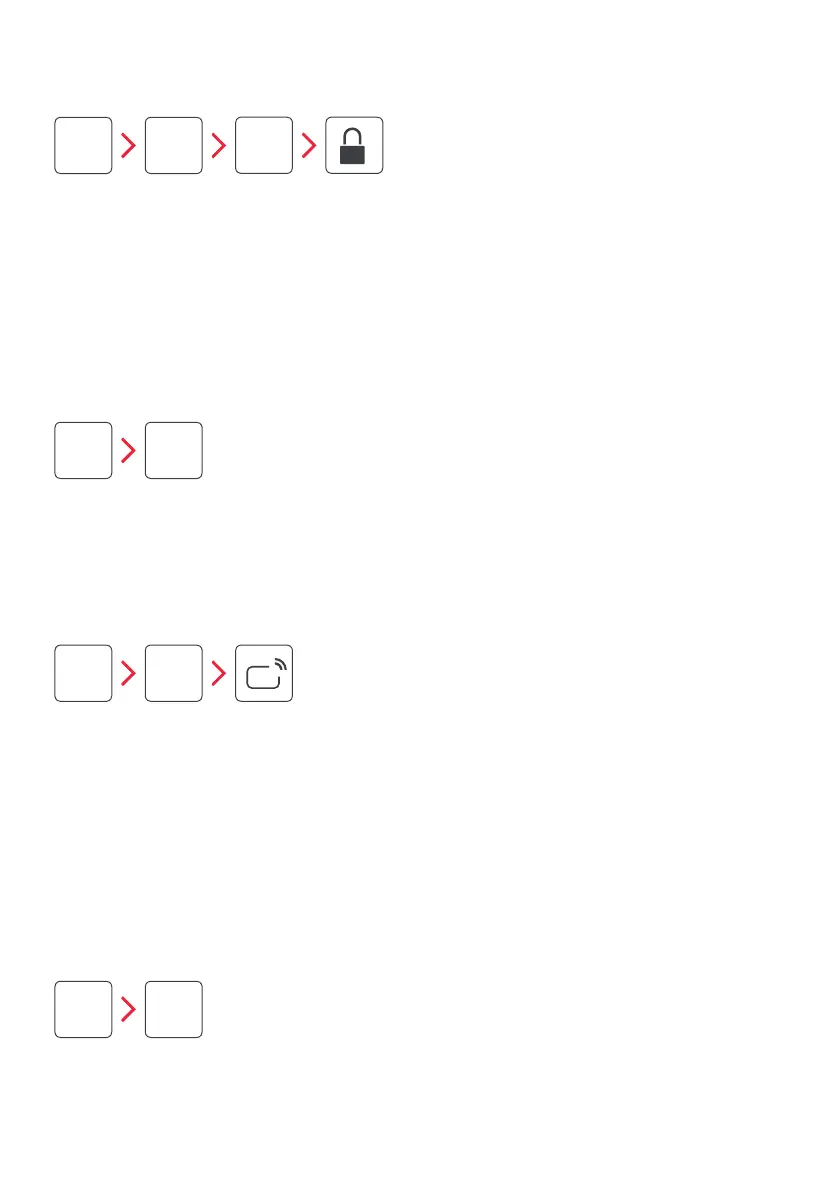
Add a new user with an access code:
a. Press the “M” button for 3 seconds. A beep is heard and a green symbol is shown
on the screen.
b. Press “1”. A beep is heard and green symbol is shown on the screen.
c. Input a 6-12 digit user code.
d. Press the lock icon. A beep is heard and green symbol is shown on the screen.
e. A second beep is heard and green symbol is shown on the screen to confirm user
code has been added.
M
1
M
2
D
1
D
2
USER
CODE
Add a new user with an RFID card:
a. Press the “M” button for 3 seconds. A beep is heard and green symbol is shown on
the screen.
b. Press “2”. A beep is heard and green symbol is shown on the screen
c. Swipe the card on the keypad. A beep is heard and green symbol is shown on the
screen.
d. A second beep is heard and green symbol is shown on the screen to confirm user
card has been added.



 To Next Page