English
Charge the phone
CAUTION
Only use batteries, chargers and accessories that have been approved
for use with this particular model. Connecting other accessories may
be dangerous and may invalidate the phone's type approval and
warranty.
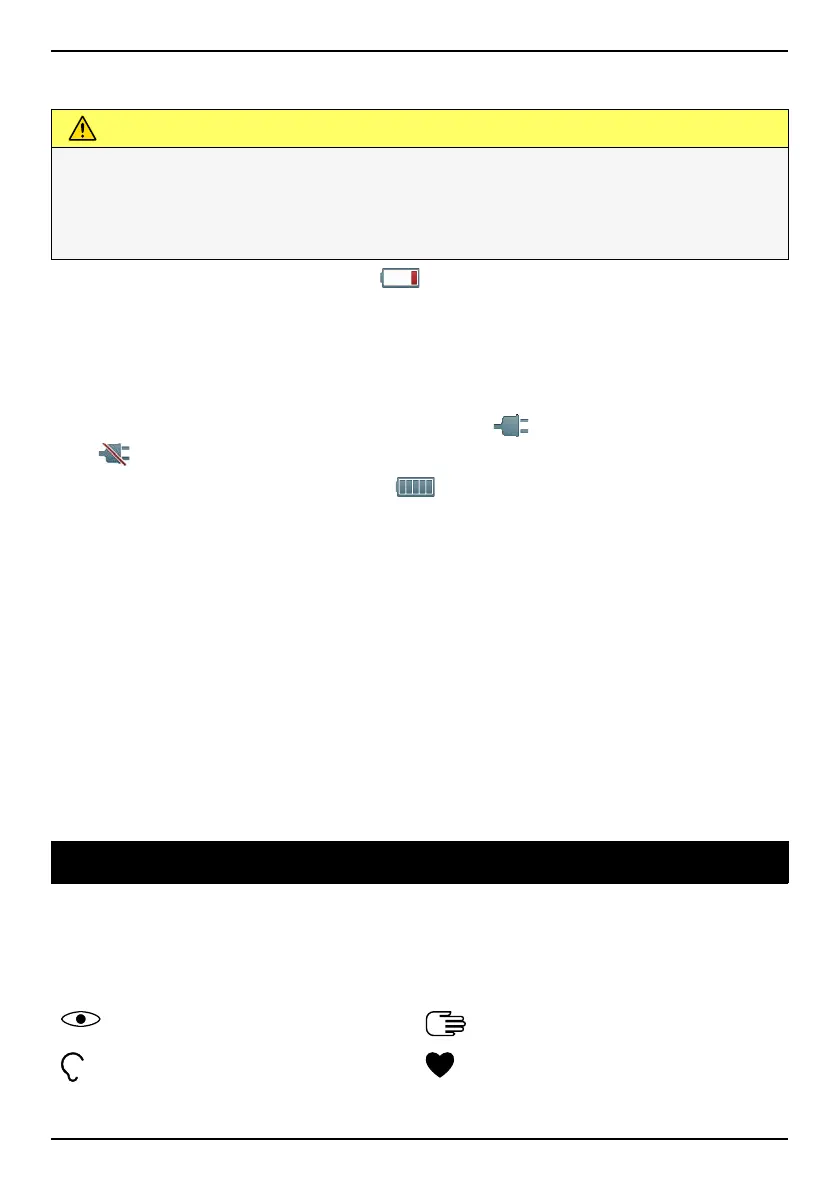
When the battery is running low,
is displayed and a warning signal is
heard.
1. Connect the mains adapter to a wall socket and to the charging
socket y. The battery charge indicator is animated while charg-
ing. It takes approximately 3 hours to fully charge the battery. When
the charger is connected to the phone,
is displayed briefly, and
when it is disconnected.
2. When charging is completed,
is displayed on the screen.
If the phone is turned off when the charger is connected to the
phone only the battery charge indicator will be shown on the display.
Note! To save power the LCD backlight goes off after a while. Press any
button to illuminate the display. Full battery capacity will not be reached
until the battery has been charged 3–4 times. Batteries degrade over
time, which means that call time and standby time will normally
decrease with regular use.
Save energy
When you have fully charged the battery and disconnected the charger
from the device, unplug the charger from the wall socket.
Get to know your phone
Assistive functions
Use the symbols below to guide you through supporting sections in the
manual.
Seeing
Handling
Hearing
Safety
2



 To Next Page