English
Supported formats:
• Picture format: BMP/GIF/JPG/PNG. Photos taken with the built in
camera are saved as JPG.
• Audio format: WAV/AMR/MIDI/MP3/AAC/AAC+. Recordings made
with the built in sound recorder are saved as AMR.
• Video format: AVI/MP4/3GPP.
Internet
IMPORTANT!
This service requires an Internet connection. Using data services can
be costly. We recommend that you check your data rates with your
service provider.
Use the web browser
1. Press Menu Browser.
2. Press Accept to accept the End User License for using the Opera
™
Mobile browser. If not, press Exit.
Navigate the web browser
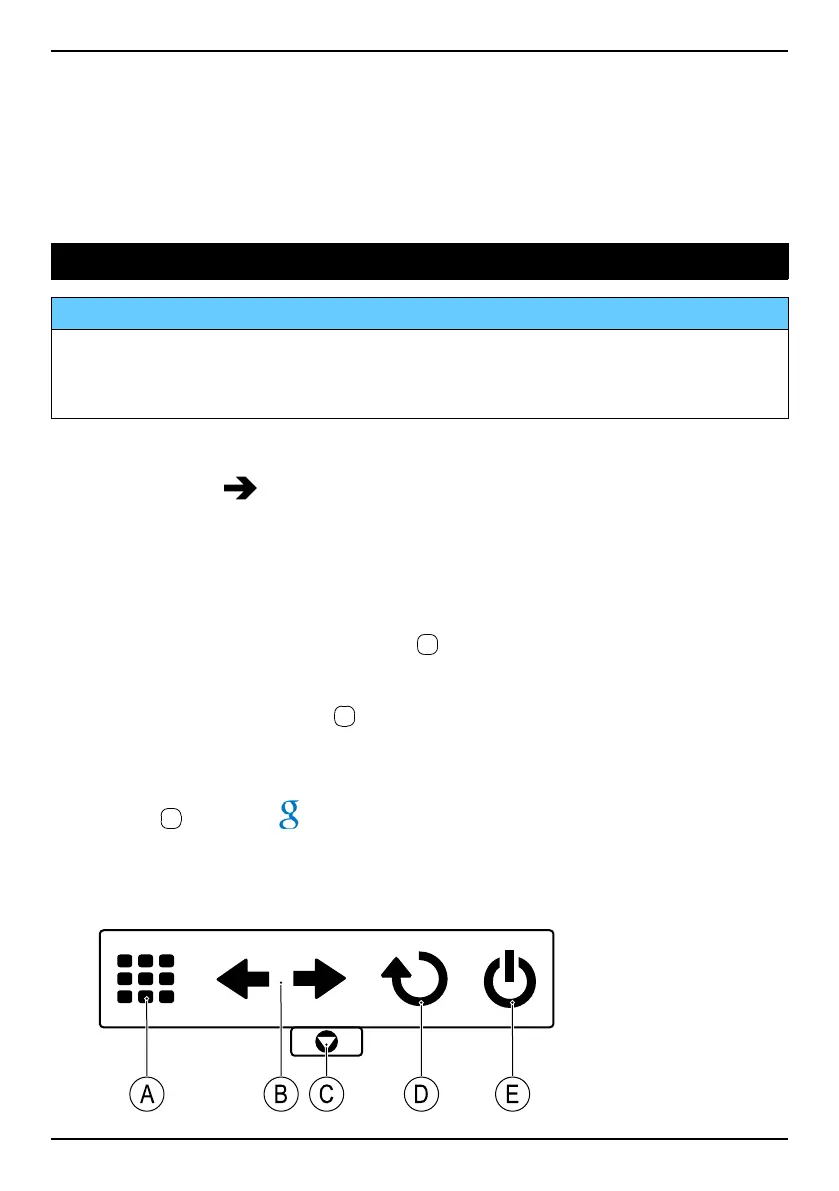
• Use the navigation buttons to navigate the browser. The blue frame
shows the selected area. Press
to select.
Enter website address (URL)
• Select www. and press
to select Edit. Enter a website address
(URL) and press Go.
Search
• Press
to select , located to the right of the screen, to search the
web. Enter your search and press Search.
Options menu
• Press Menu to access:
47



 To Next Page