English
Clear :
Press to clear the previous character.
Settings menu :
Press and hold to enter the settings menu. This settings menu is not for
daily operation, only for special settings during setup of the phone.
Options :
The options button have multiple functions. In idle mode it will display
eventual notifications. In different menus and features it will display avail-
able options for that feature. Try to always press this button to explore
more options.
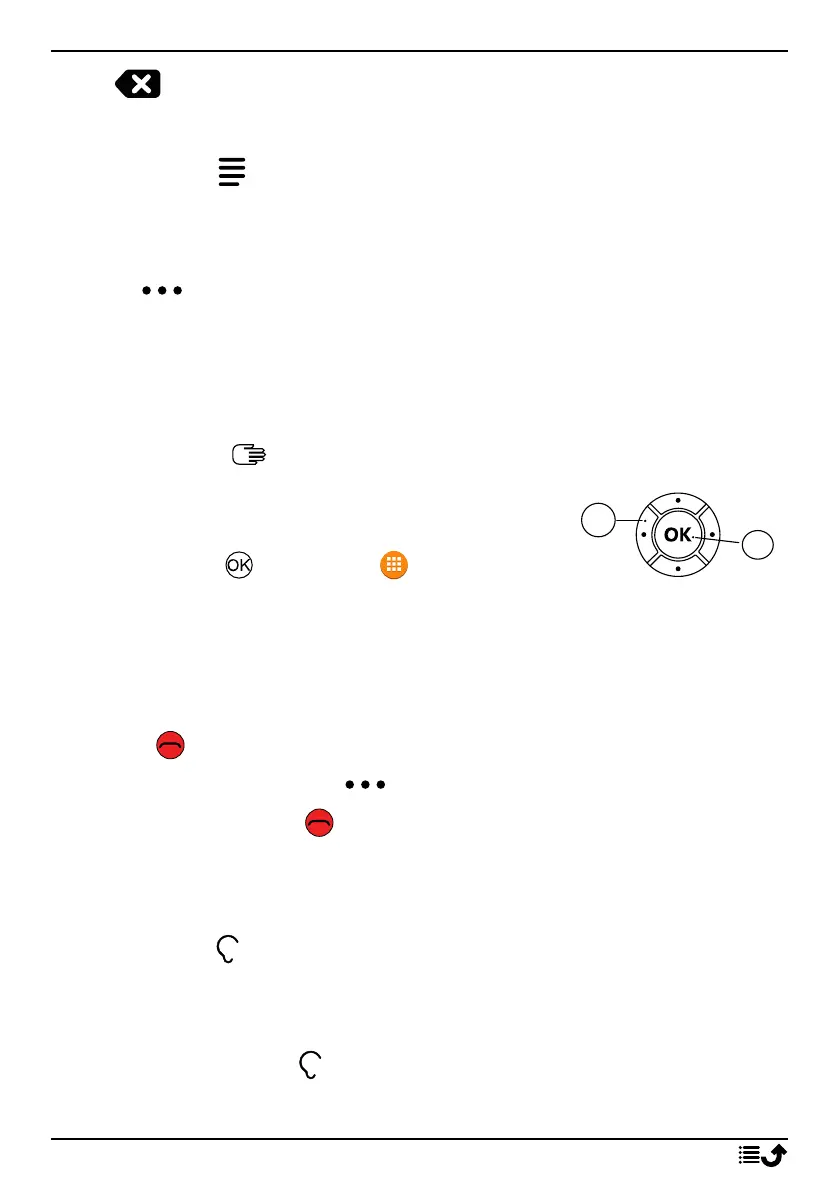
Navigation keys
• (A) Use the Four-way navigation key to navi-
gate up, down, left and right.
• (B) Use the to open the Menu and to
confirm actions.
Standby (idle mode)
When the phone is ready to use, and you have not keyed in any characters,
the phone is in standby.
• Press to return to standby mode.
• Press the options button to access the notices, if there’s any.
Tip: You can always press to return to standby.
Volume keys + / –
• During a call the volume keys adjusts the call volume.
See also Volume , p.38 for more information.
Note! If you use a hearing aid or have hearing difficulties when using the
telephone in a noisy environment, you can adjust the phone's audio
settings, see Audio setup , p.38.
9



 To Next Page