English
shower activate the safety timer and if not deactivated within a set time,
your predefined assistance contacts are notified.
Activate the safety timer
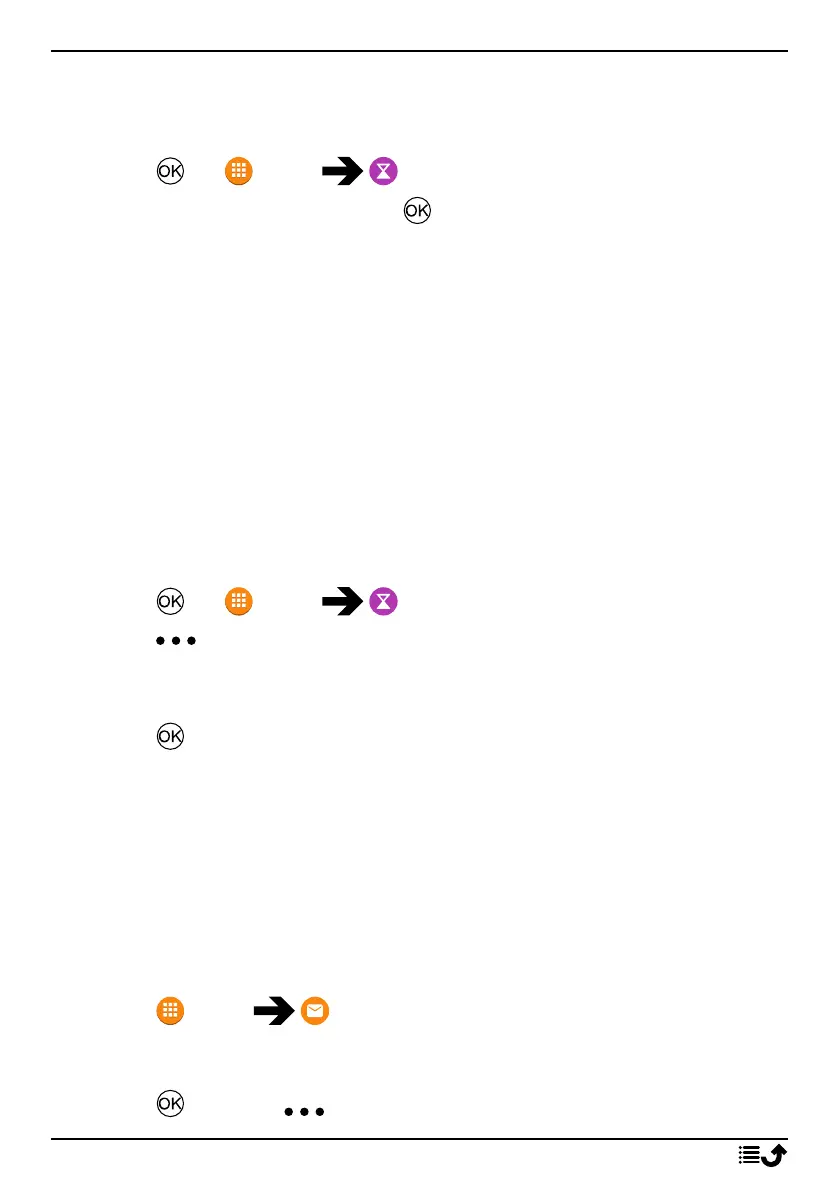
1. Press for Menu Safety Timer.
2. Select Set the timer and press to enter time, maximum 120
minutes.
3. Press Start to activate the timer.
Deactivate the safety timer
Press Cancel to stop and deactivate the timer before the set time have
expired.
Once the timer has expired you will be asked “Are you OK?”:
• Press Yes to cancel the alarm.
• Press No or do nothing to let the alarm proceed.
Turn on/off sound
The sound can be turned off if there’s a need of sending a silent alarm.
1. Press for Menu Safety Timer.
2. Press and select:
• Sound ON to have the normal alert sound when the timer expires.
• Sound OFF to have a silent alarm when the timer expires.
3. Press to confirm.
Messaging (SMS)
Read and handle messages
It’s possible to receive text messages (SMS), but not to send any. Messages
are grouped into message threads by contact.
Note! It’s possible to send an automatic reply to anyone that send a
message to this phone. See Messages settings, p.45.
1. Press Menu Messaging.
2. Select a message thread to read the messages from that specific
contact.
3. Press and press for more options:
21



 To Next Page