English
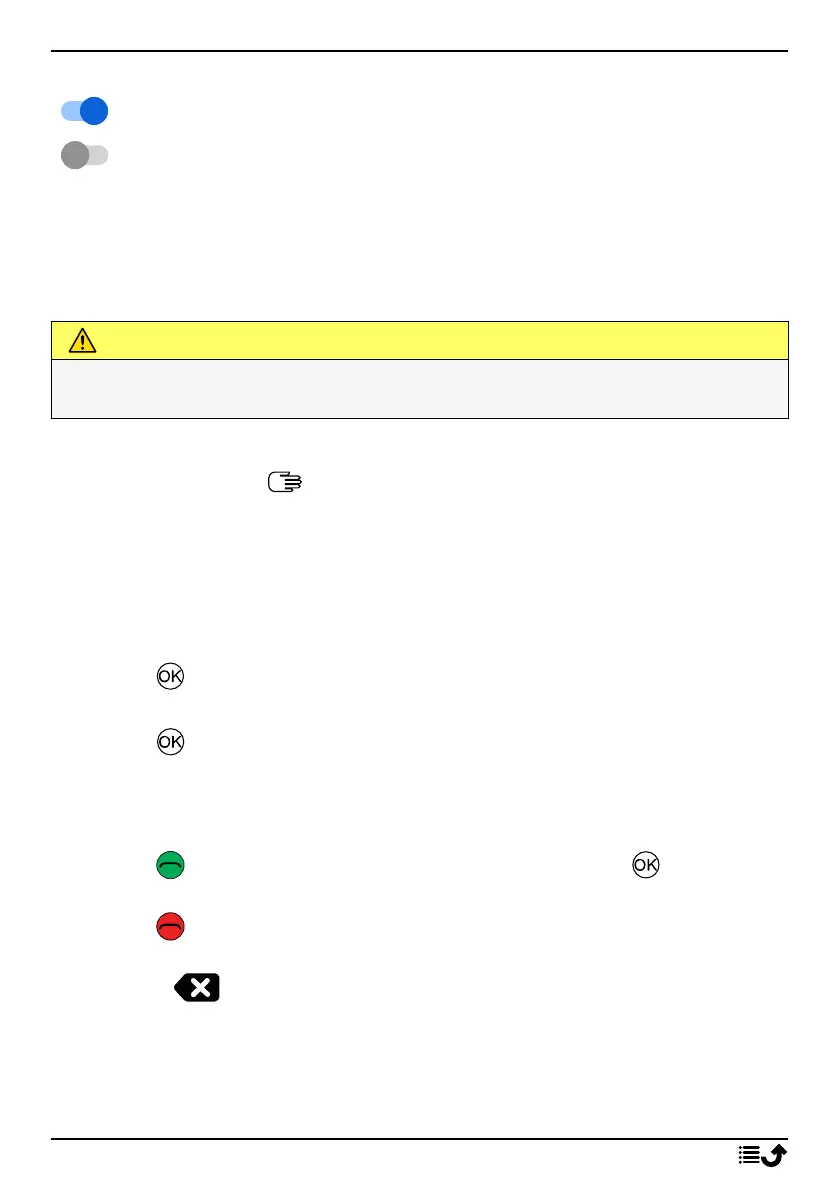
To enable and disable features and functions
enabled functions.
disabled functions.
Headset
When a headset is connected, the internal microphone in the phone is au-
tomatically disconnected. If available, use the answer key on the headset
to answer and end calls.
CAUTION
Using a headset at high volume may damage your hearing. Adjust the
volume level carefully when using a headset.
Enter characters
The phone has a simplified keypad so you can make calls with just one
push of a button, but since there is so few buttons it requires a slightly dif-
ferent method to enter characters.
If you are in a place where you want and have the opportunity to enter
characters:
• Press to access the character input mode.
• Use the Four-way navigation key to select the wanted character and
press to select it.
• Press Mode to change input mode. Select between capital letters,
small letters, numbers and special characters. The space character (
)
is found firstly among the special characters.
• Press to confirm the entered text. If wanted, press to continue
to enter more characters.
• Press to exit the character input mode.
• Use the Four-way navigation key to move the cursor within the text.
• Press to erase characters.
Hearing aid compatible
This phone is hearing aid compatible. Hearing aid compatibility is not a
guarantee that a specific hearing aid will work with a specific phone.
10



 To Next Page