English
• Detail to view the message details.
• Delete to delete that individual message.
Messaging options
Settings
Text message (SMS)
SMS Service centre
Text messages requires a message center number, this is normally auto-
matically set on your phone. The number can be obtained from the mobile
carrier.
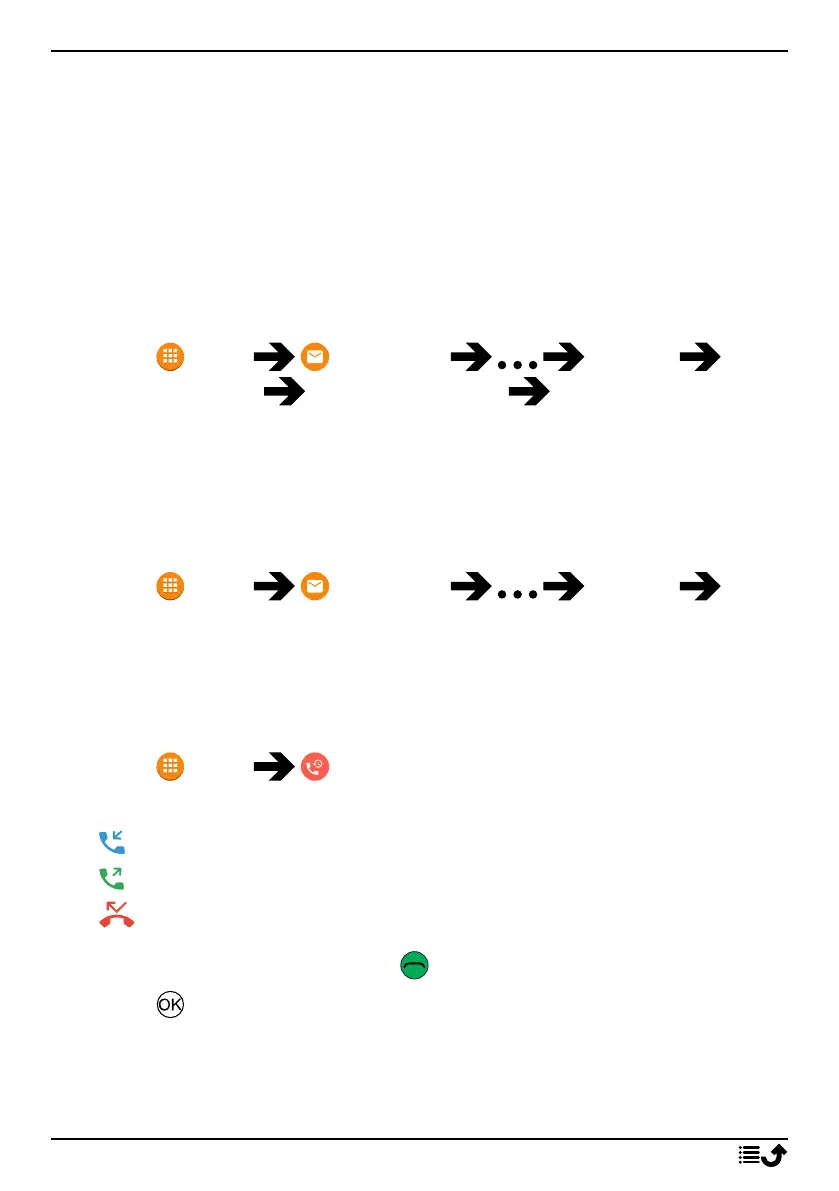
1. Press Menu Messaging Settings Text
message (SMS) SMS Service centre select SIM card (if ap-
plicable) .
2. Enter the service center number.
3. Press OK to confirm.
Delete all conversations
It’s possible to delete all message conversations.
1. Press Menu Messaging Settings De-
lete all conversations.
2. Press Delete to confirm.
Call log
Received, missed and dialed calls are saved in a combined call log.
1. Press Menu Call log.
2. Calls are displayed as follows depending on call type:
Incoming call
Outgoing call
Missed call
3. Select wanted entry and press to dial or...
4. Press :
• Block number/Unblock number to block/unblock the number.
You will not receive calls or messages from a blocked number.
See Call blocking, p.23.
22



 To Next Page