English
When you take your phone abroad, you can keep it in flight mode. If you
do that, there’s no chance of data roaming charges, and you can still ena-
ble Wi-Fi. Enable Aeroplane mode when in areas with no network cover-
age to save battery since the phone repeatedly scans for available
networks and this consumes power. You can be notified by alarms, if
alarms are activated.
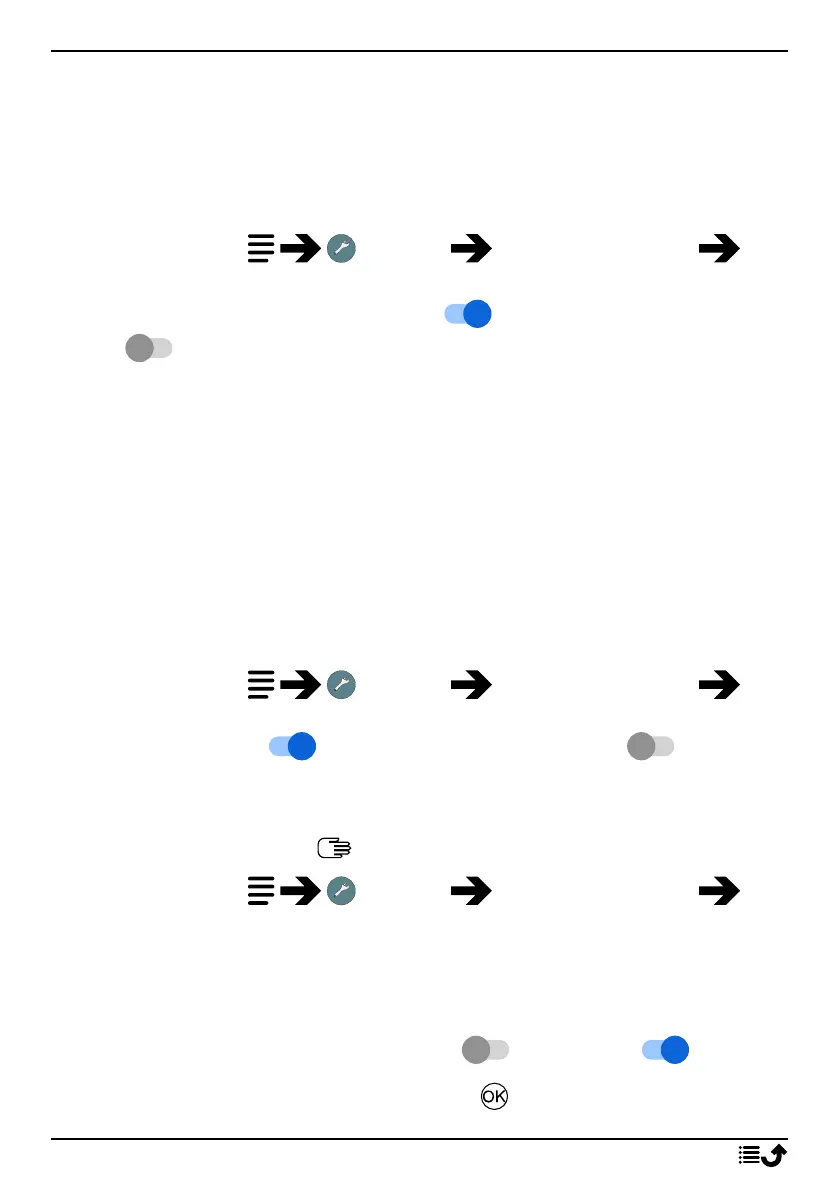
1. Press and hold Settings Network & Internet
Aeroplane mode.
2. Set the switch Aeroplane mode to to activate it. Set the switch
to to deactivate.
Wi-Fi
Use Wi-Fi to connect your phone to the Internet instead of the mobile net-
work. You may already have Wi-Fi in your home and it's often available at
workplaces. Take advantage of free networks in coffee shops, hotels, trains
and libraries. Connecting to the Internet with Wi-Fi doesn’t incur additional
data traffic costs, unless you have to pay to get on the wireless network.
The only thing you have to do is to enter the Wi-Fi settings and configure
an access point to connect your phone to the wireless network, enter pass-
word if applicable.
Activate Wi-Fi
1. Press and hold Settings Network & Internet Wi-
Fi.
2. Set the switch to to activate it. Set the switch to to
deactivate.
Connect to available networks
Note! See Enter characters , p.10 on how to enter characters.
1. Press and hold Settings Network & Internet Wi-
Fi.
2. If Wi-Fi is activated a list of available Wi-Fi networks will be displayed
after a moment.
Note! If nothing is displayed although you know that there should be
available networks, set the switch to off and then on again.
3. Select your wanted network and press and enter the Password.
26



 To Next Page