English
USB Tethering
Share your phone’s Internet connection by connecting via USB cable. You
must first connect the computer to the phone.
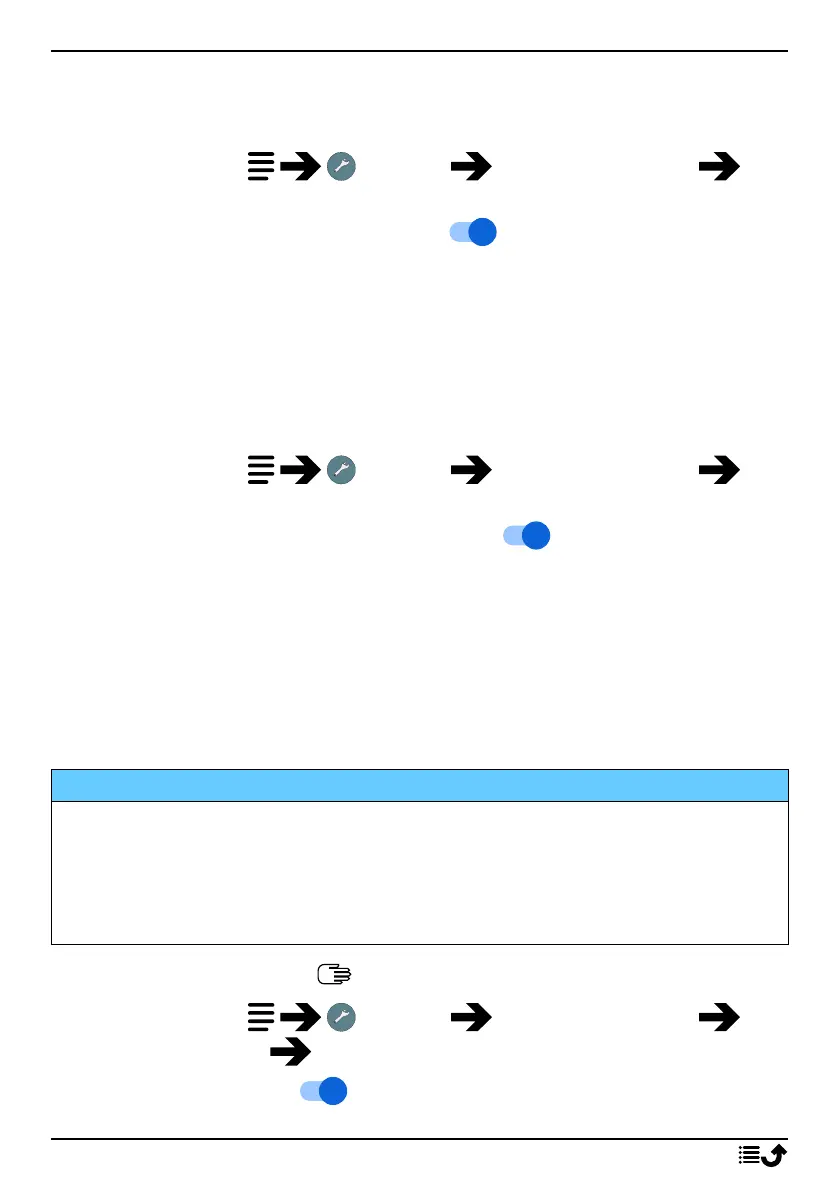
1. Press and hold Settings Network & Internet Hot-
spot & tethering.
2. Set the USB Tethering switch to on to enable Internet sharing
via the USB cable.
Note! The first time it might take some time before the connection is
established.
Bluetooth tethering
Share your phone’s Internet connection by connecting via Bluetooth. You
must first establish the Bluetooth connection. See Bluetooth
®
, p.35.
1. Press and hold Settings Network & Internet Hot-
spot & tethering.
2. Set the Bluetooth tethering switch to on to enable Internet shar-
ing via a Bluetooth connection.
Note! You must first establish the Bluetooth connection. See Bluetooth
®
,
p.35.
Wi-Fi hotspot
Share your phone’s Internet connection via Wi-Fi. If you want to change
any setting, please do so before you turn on the feature.
IMPORTANT!
Always have the security turned on when your Wi-Fi hotspot is active to
prevent unauthorized use of your internet connection. Turn off the Wi-Fi
hotspot feature when you no longer need to share Internet access for
other devices. When the feature is activated it will drain your phone's
battery significantly.
Note! See Enter characters , p.10 on how to enter characters.
1. Press and hold Settings Network & Internet Hot-
spot & tethering Wi-Fi hotspot.
2. Set the switch to on to enable Internet sharing via Wi-Fi.
33



 To Next Page