English
You may optionally install a memory card in the phone to increase the stor-
age space of your phone to be able to store more files, pictures, videos etc.
Make sure that the memory card’s contacts are facing downwards, as
shown above. Compatible card type: microSD, microSDHC, microSDXC.
Incompatible cards may damage the card itself, the device and corrupt da-
ta stored on the card.
IMPORTANT!
This device accepts micro-SIM card or 3FF. Use of incompatible SIM
cards may damage the card or the device, and may corrupt data stored
on the card.
Use only compatible memory cards with this device. Compatible card
types include microSD, microSDHC, microSDXC.
Incompatible memory cards may damage the card itself, the device and
corrupt any data stored on the card.
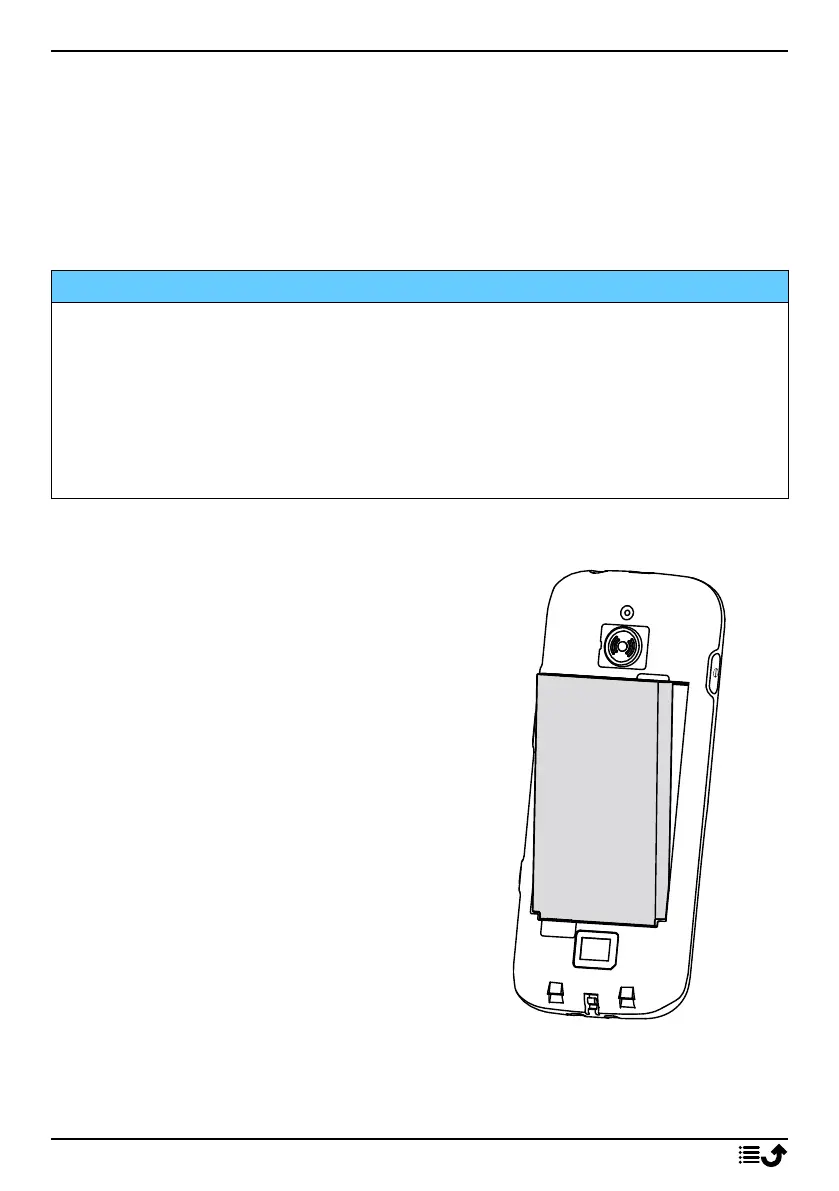
Insert the battery
Insert the battery by sliding it into the
battery compartment.
Replace the back cover.
3



 To Next Page