EasyManua.ls Logo

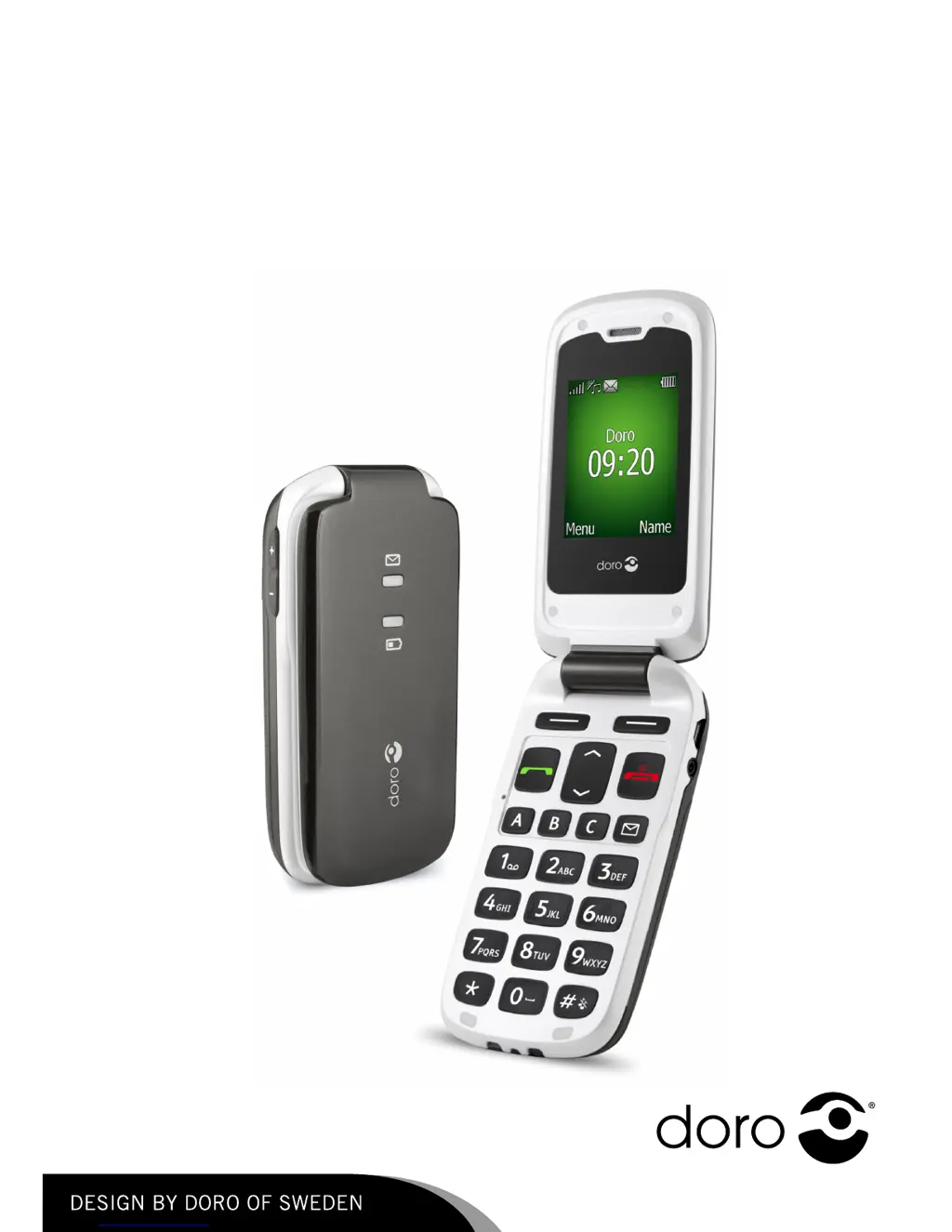
Doro PHONEEASY 605 - User Manual

Doro PHONEEASY 605
54 pages
Print Icon
To Next Page IconTo Next Page
Loading...
DoroPhoneEasy
®
605
English

Questions and Answers

  • S
    Susan ParkerAug 14, 2025
    How to fix a Doro PHONEEASY 605 Cell Phone that won't turn on?
    • K
      Kimberly WintersAug 14, 2025
      If your Doro Cell Phone cannot be switched on, ensure that the battery is adequately charged by connecting the power adapter and charging the battery for 3 hours. Also, verify that the battery is correctly installed.
  • C
    Caitlyn JohnstonAug 18, 2025
    What to do if my Doro PHONEEASY 605 Cell Phone doesn't accept the PIN code?
    • G
      gbrownAug 18, 2025
      If your Doro Cell Phone doesn't accept the PIN code, enter the PUK code to change the PIN code, or contact your service provider.
  • M
    Megan WilsonAug 21, 2025
    What to do if my Doro PHONEEASY 605 fails to add a contact?
    • Y
      yskinnerAug 21, 2025
      If you are failing to add a contact on your Doro Cell Phone, delete contacts to free up memory.
  • V
    Valerie CurryAug 25, 2025
    What to do if my Doro PHONEEASY 605 battery is not charging?
    • B
      Barbara HahnAug 25, 2025
      If your Doro Cell Phone fails to charge, first check the charger connections to both the phone and the power socket to ensure they are properly connected. Also, the battery should only be charged in temperatures between 0 °C and 40 °C, so improve the charging environment. If the problem persists, examine the battery and charger for any signs of damage.
  • R
    robertharveyAug 27, 2025
    What to do if my Doro PHONEEASY 605 shows a SIM card error?
    • D
      devon68Aug 28, 2025
      A SIM card error on your Doro Cell Phone may be due to several reasons. First, check the installation of the SIM card by removing it and reinstalling it. Also, wipe the contact surfaces of the SIM card with a clean cloth. If the SIM card is damaged, contact your service provider.
  • L
    lawrencewilliamsAug 31, 2025
    Why is the signal weak on my Doro PHONEEASY 605?
    • E
      ericvaldezAug 31, 2025
      A weak signal on your Doro Cell Phone can occur if you are too far from the base station, so try again from another location. Network congestion can also cause this issue, so try calling at a later time.
  • J
    julie56Sep 3, 2025
    Why does the standby time decrease on my Doro PHONEEASY 605?
    • T
      tylerdiazSep 3, 2025
      If the standby time of your Doro Cell Phone is decreasing, it may be due to low battery charge capacity, so install a new battery. Also, if you are too far from the base station, the phone constantly searches for a signal, which consumes battery power. Find a place with a stronger signal, or temporarily turn off the phone.
  • M
    Mariah WrightSep 6, 2025
    What to do if my Doro PHONEEASY 605 Cell Phone fails to place or receive calls?
    • L
      Lisa JonesSep 6, 2025
      If your Doro Cell Phone is failing to place or receive calls, deactivate call barring. If this does not solve the problem, contact your service provider.
  • D
    Darrell FergusonSep 12, 2025
    How to resolve echo or noise on a Doro PHONEEASY 605 call?
    • B
      Bianca WilliamsSep 12, 2025
      If you are experiencing echo or noise on your Doro Cell Phone, hang up and redial. This may switch to another network relay.

Summary

Installation

Installing SIM Card and Battery

Step-by-step guide for inserting the SIM card and battery into the phone.

Charging

Battery Charging Procedure

Information on charging the battery, indicators, and charging time.

Operation

Call and Contact Management

Making, receiving calls, and interacting with the phonebook.

Advanced Call Features

Utilizing call waiting, call options, and other call management tools.

Emergency Key Usage

How to activate and use the dedicated emergency key for assistance.

Phonebook

Contact Management

Steps for adding, editing, and viewing phonebook entries.

Messages

SMS Creation and Sending

Instructions for composing, sending, and managing text messages.

Call Log

Settings

Call and Network Settings

Managing voice mail, speed dial, answer mode, and network setup.

Security and Emergency Configuration

Managing phone security, PIN codes, and emergency function setup.

Troubleshooting

Power and Charging Issues

Solutions for problems with switching on the phone or charging the battery.

Safety Instructions

Health Risks and Precautions

Information on radiation, pacemakers, explosion risks, and hearing protection.

Doro PHONEEASY 605 Specifications

General IconGeneral
BrandDoro
ModelPHONEEASY 605
CategoryCell Phone
LanguageEnglish

Related product manuals