MACHINE FOR BINDING BANKNOTES AND SECURITIES (BANDING MACHINE) DORS 500
15
POSSIBLE MESSAGES APPEARING
IN THE COURSE OF OPERATION
1. Display indicates: blinks in the
"HAND" or "AUTO" mode.
Meaning: the tape left in the roll is on
ly enough for 1520 bindings.
Actions: prepare a new roll for replace
ment when the current one is used up.
THE DEVICE NEEDS MAINTENANCE
IF "SRC" FLASHES FOR 4 SECONDS
ON THE INDICATOR
AFTER SWITCHING THE DEVICE ON.
2. Display indicates: "nL X" (where X
is the configuration setting num
ber).
Meaning: no loop.
Actions: Create a loop (see page
22, Section 6).
3. Display indicates: "PE"
Fault: paper feed path error.
Actions: charge the tape again (see
section "Operation Procedure").
4. Display indicates: "____".
Fault: device cover 13 (fig.1) is
opened.
Actions: close the cover.
POSSIBLE ERRORS
OF AUTO TEST PROCEDURE
(AT THE DEVICE SWITCHING ON
AND OPERATION)
1. Display indicates: after the device
switching on, there is no indication
on the display.
Actions: test the power cord.
Switch on again. If there are no
changes, contact the service cen
ter.
2. Display indicates: "uPF".
Fault: the front cover is open.
Actions: close the front cover. If
there are no changes, contact the
service center.
3. Display indicates: "SF".
Fault: proximity sensors are dirty or
covered by a foreign object.
Actions: clean the proximity sen
sors, remove the foreign object
from the device table. If there are
no changes, contact the service
center.
4. Display indicates: "utF".
Fault: the tape drive unit is faulty.
Actions: contact the service center.
5. Display indicates: "HuF".
Fault: heater drive unit is faulty.
Actions: contact the service center.
6. Display indicates: "CuF".
Fault: the rotary grip drive unit is
faulty.
Actions: contact the service center.
7. Display indicates: "nP".
Fault: there is no tape in the device
path.
Actions: set the tape roll and char
ge the tape in the path according
to section "Operation Procedure".
PRIOR TO SENDING UNIT
FOR SERVICING, POWER OFF
THE UNIT, REMOVE THE LOOP
(IF ANY) AND REMOVE THE ROLL.
ERROR CODES AND DIAGNOSTIC MESSAGES
MACHINE FOR BINDING BANKNOTES AND SECURITIES (BANDING MACHINE) DORS 500
14
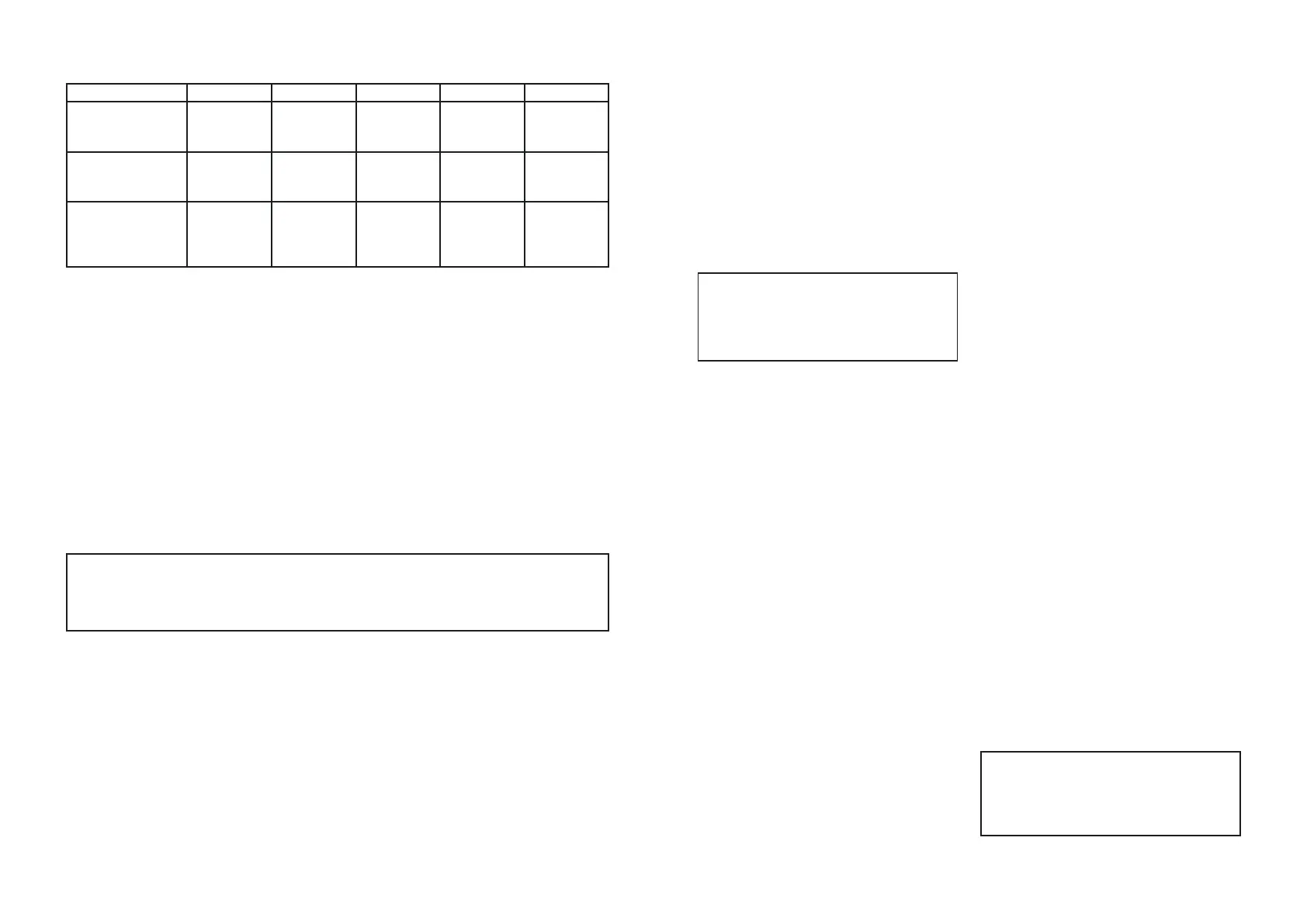
Table 3. Functions of the buttons
UP SELECT DOWN AUTO START
HAND
Next
configuration
setting number
Switching
to the "SET"
mode
Previous
configuration
setting number
Switching
to the
"AUTO" mode
Start
of wrapping
AUTO
Next
configuration
setting number
Switching
to the "SET"
mode
Previous
configuration
setting number
Switching
to the
"HAND" mode
SET
Increase
in the
parameter
value
Selection
of the next
parameter
Decrease
in the
parameter
value
Exit from the
"SET" mode to
the "AUTO"/
"HAND"
may cause tape coated layer scra
ping. Loosen the tension to elimi
nate this effect.
2. The "t" and "r" parameter values
shall be selected with considera
tion for the following:
z the heating time (t) shall provide
for the quality glue stripe whilst
avoiding the paper turning yel
low in the glue stripe area.
A proper heating shall cause the
glue layer to "melt" in the gluing
area on both sides of the tape;
z the cooling time (r) shall provi
de for an acceptable binding
cycle whilst allowing the glue
layer to cool down completely.
A lack of gluing through the
end of a binding cycle may
cause the seam to part whilst
making visible the glue layer
shift marks on the tape surface.
The configuration settings stored through the previous shutdown
shall be enabled at the unit startup.
The unit, however, will start in the "HAND" mode
as a consideration of safety performance.


 To Next Page
 Loading...