Operation
88
Operating Instructions Caleo, Software 2.n
Using O2 Control
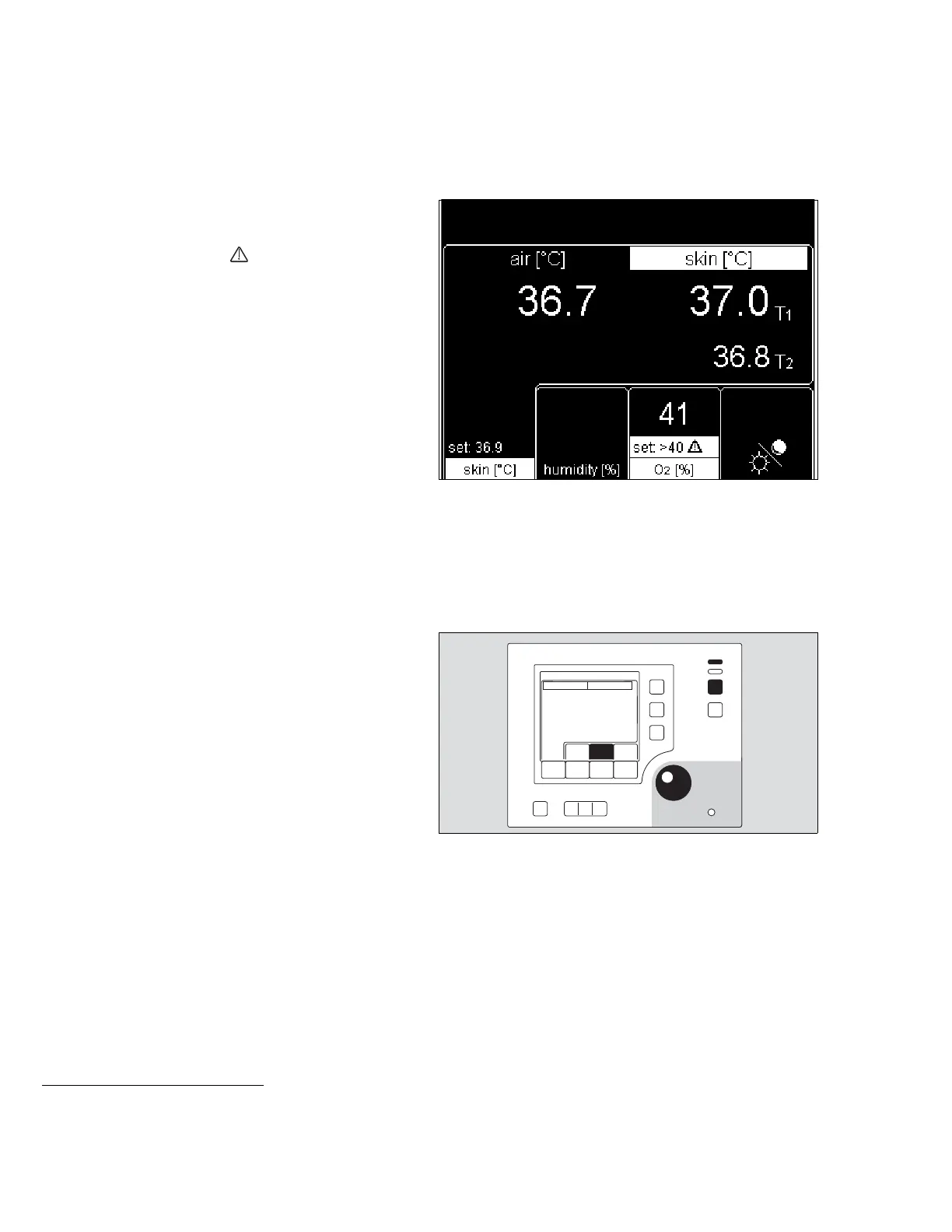
– The display returns to the standard screen. The measured
values are displayed.
– The setpoint and »set: >40 « are displayed alternately.
– The yellow bar LED lights up.
If the yellow bar LED starts flashing, the setpoint has been
increased by more than 3 % or 5 % (see page 88), or other
alarms are active.
Alarms
Alarm limits can be changed in the configuration
(see page 108).
Example: if the deviation between the set and measured
O
2 concentration exceeds ±5 %*:
– The screen displays the warning message
»Oxygen deviation above 5 %«,
– An alarm tone sequence (5 beeps) starts,
– The central alarm indicator lights up**,
1 The measured value starts flashing,
2 The red bar LED starts blinking.
The intermittent audible alarm can be silenced for 2 minutes:
3 Press key to silence intermittent audible alarm,
or
4 Press rotary knob.
– The warning message remains on screen,
– The intermittent alarm tone is silenced,
– The central alarm indicator goes out,
1 The measured value continues to flash,
2 The red bar LED continues to blink.
When the measured value has returned to a value within the
alarm threshold of ±5 Vol.%:
– The warning message disappears.
– The intermittent alarm tone is cancelled.
– The central alarm indicator goes out.
1 The measured value remains on screen without flashing.
2 The red bar LED goes out.
For other alarms, see "Troubleshooting – Error Messages",
page 142.
See "Alarm Description", page 161.
*The numerical values in this description are examples.
See "Configuring alarm settings", page 107.
** The central alarm indicator light may be switched off.
See "Configuring system settings", page 106.












 To Next Page