Operation
89
Operating Instructions Caleo, Software 2.n
Using "Day" and "Night" Mode
Using "Day" and "Night" Mode
With "Day" and "Night" mode settings, the screen can be
displayed at 4 different brightness levels.
Upon starting the incubator, the screen is displayed with
maximum brightness.
After restarting Caleo, e.g. after a power failure, the screen is
displayed in the mode last selected.
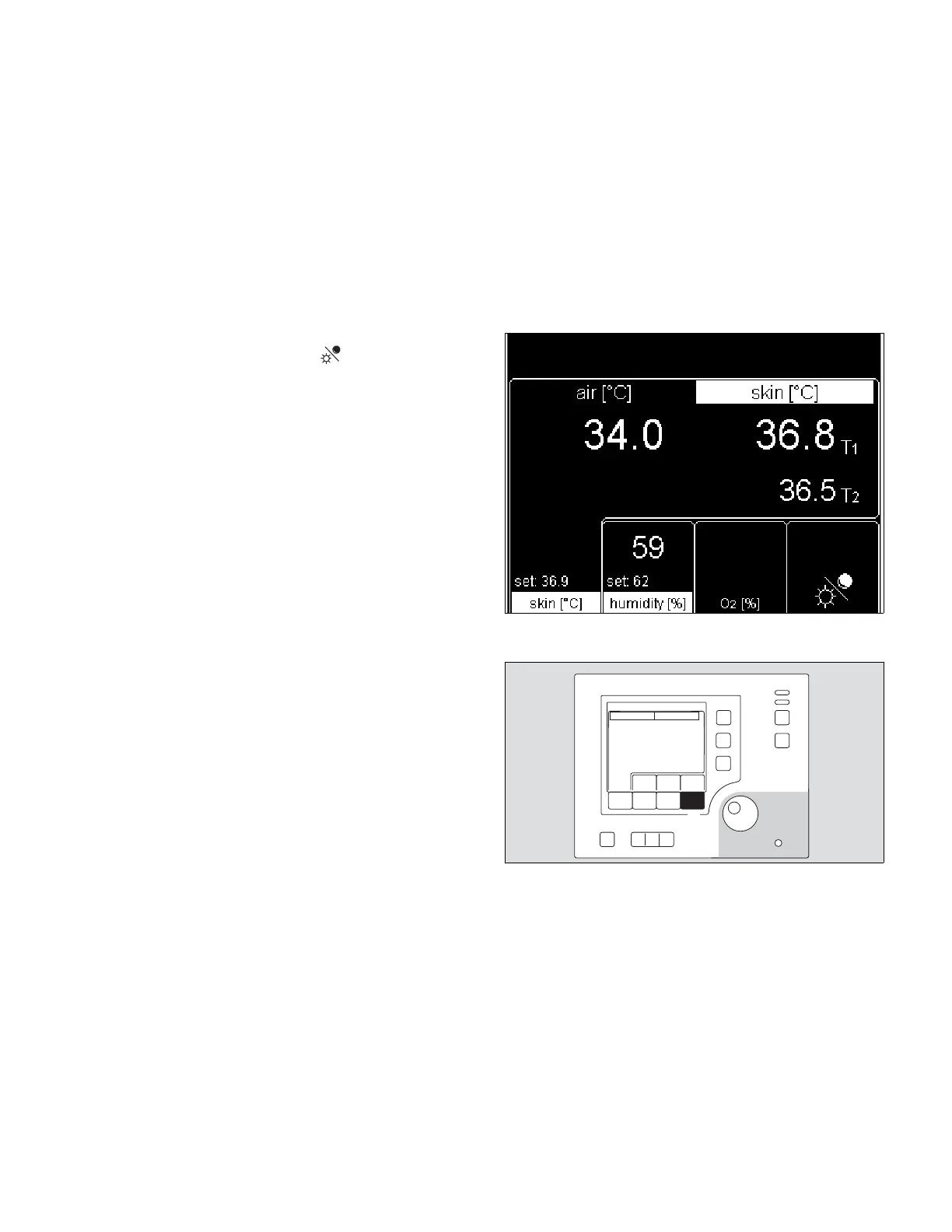
– The softkey for Day and Night mode is designated on the
standard screen by the symbol .
1 To set the screen brightness, press key repeatedly until the
desired brightness is obtained.












 To Next Page