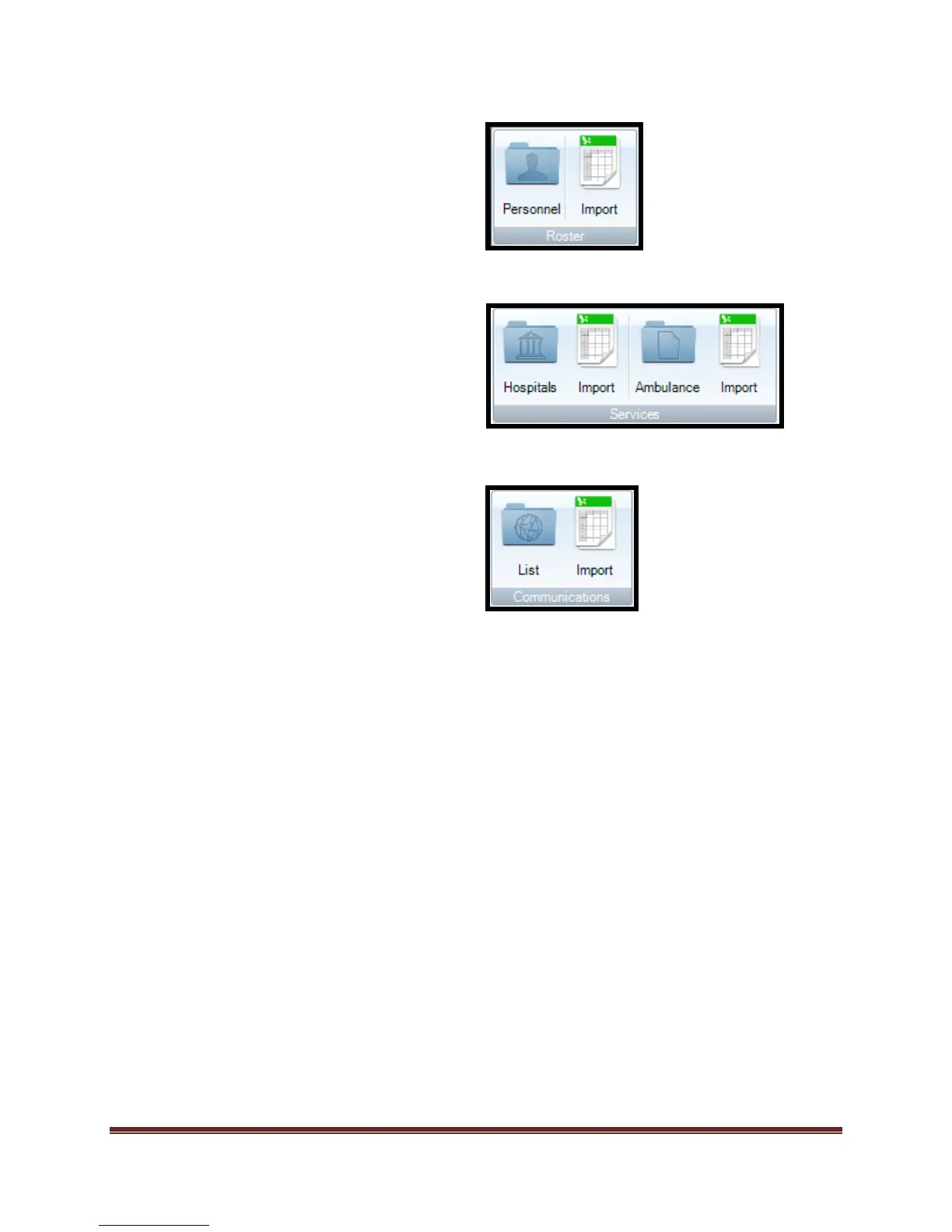
Roster Personnel Tool allows the user to
directly add/edit personnel resources in
the roster.
Roster Import tool allows the user to
directly import into the roster
Services Hospitals/Ambulances allows
the user to directly add/edit
facilities/equipment in the roster
Services Import tool allows the user to
directly import into the roster
Communications List tool allows the user
to directly add/edit radio frequencies in
the Library
Communications Import tool allows the
user to directly import into the roster
Dragonfly™ is designed to allow the “Rostering” of key information. This information can be
added to the software through single inputs or through imports. The process of completing either
function is completed in the same manner for the following rosters (libraries):
Personnel
Ambulances
Hospitals
Communications
These rosters can also be populated from multiple points inside of the software. Locations within
the program that allow roster population are the following:
ICS Forms
Org Chart Tool
o Personnel Tab>Add new person button.



 To Next Page