Dragonfly Manual Version 3© Page 63
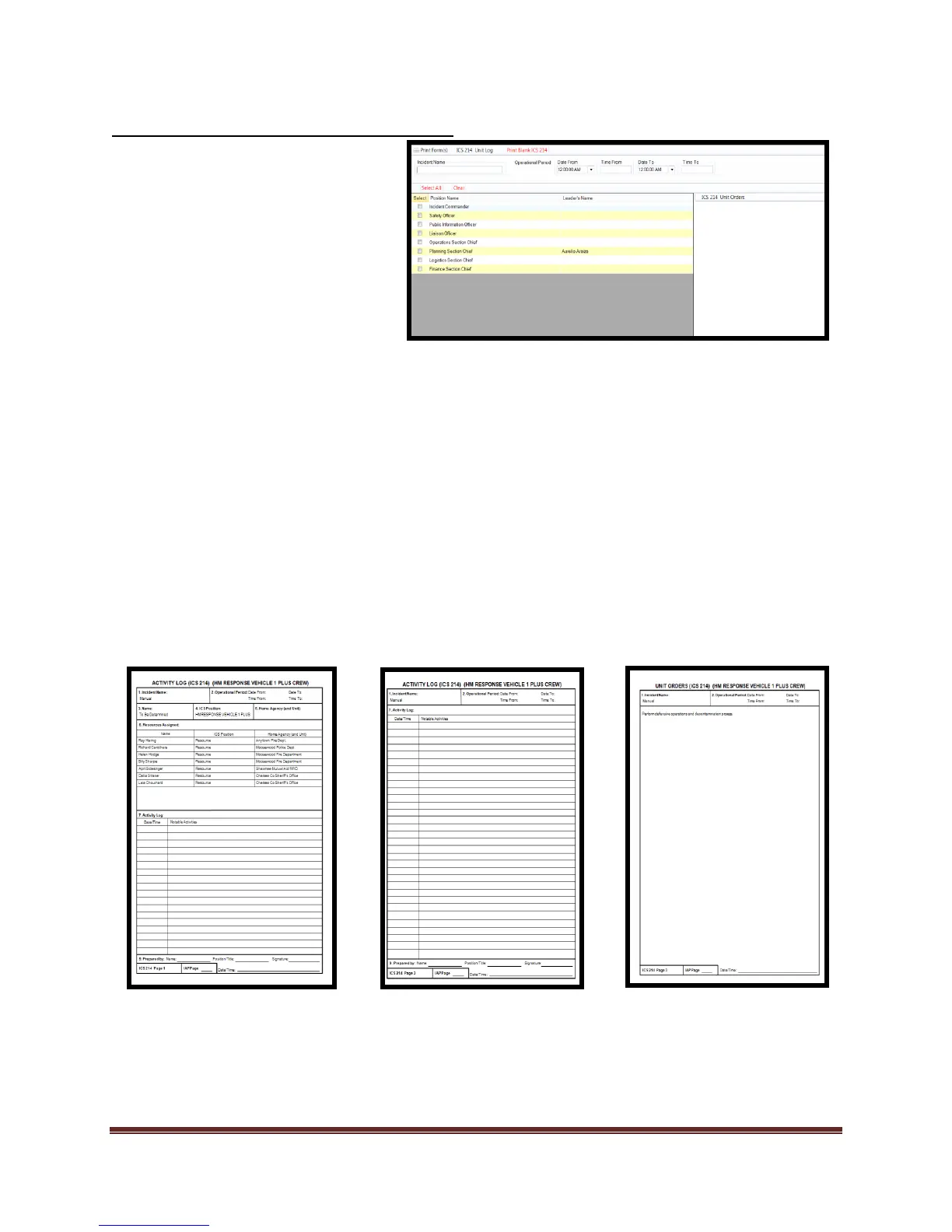
Completing the ICS 214 Unit Log Form
*The ICS 214 is a three page form that can be used to issue “Unit Orders” or job expectations. Printing multiple
214(s) can lead to large amounts of paper consumption.
1. Select the personnel on the
Organization Chart that require
an ICS 211
2. Select “ICS 214 Unit Log”
checkbox in the “Resource Tab”
tool.
3. Select the “ICS214 Unit log”
form
a. Select position
checkbox
b. Edit Unit Orders
c. Print form.



 To Next Page