Dragonfly Manual Version 3© Page 72
Connecting Dragonfly™ to Salamanderlive.com™
Connections to Salamanderlive.com™ require an internet connection and are only valid while
the Incident Action Plan is open. When the program closes, the connection to
Salamanderlive.com™ terminates.
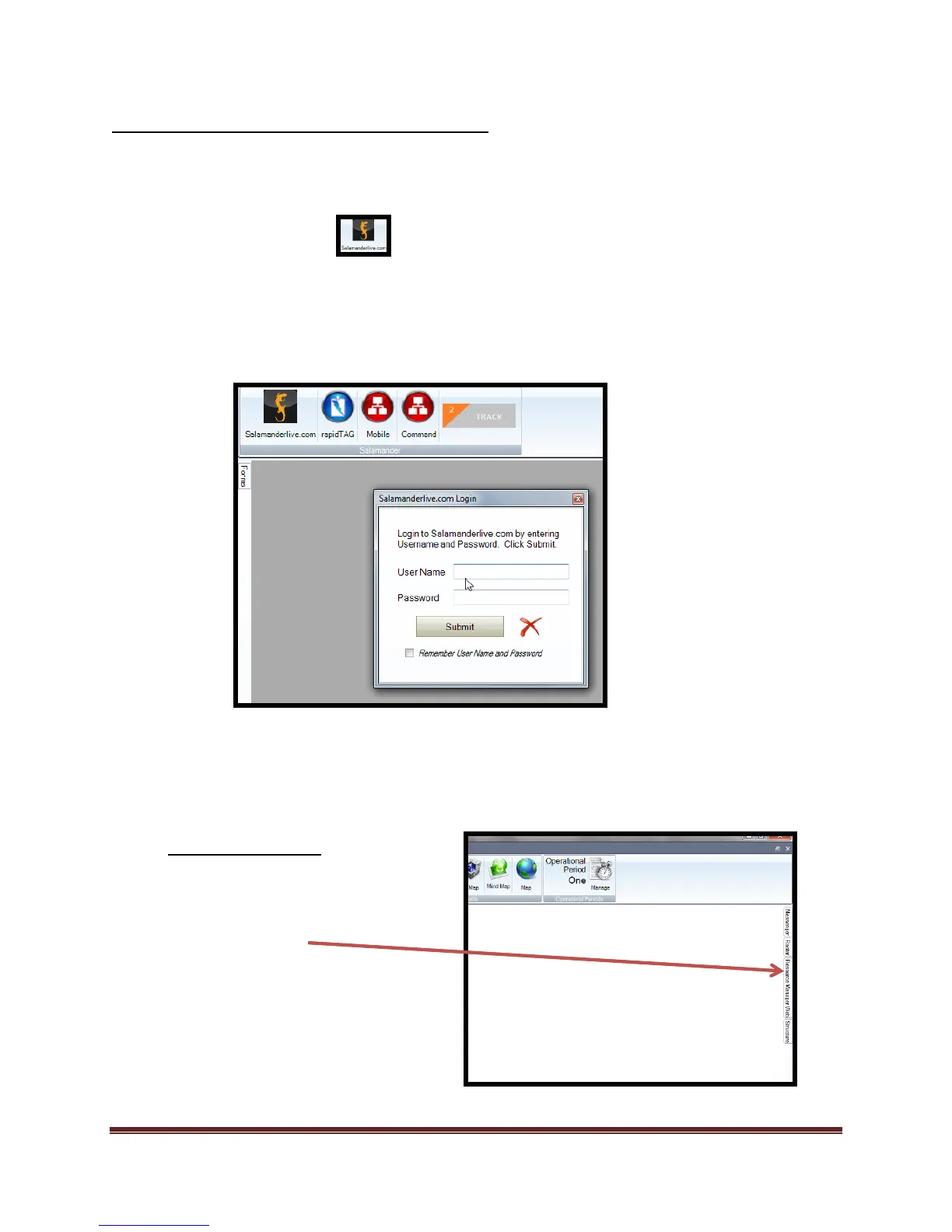
1. Start/Open an Incident
2. Select “Salamander” tab
3. Submit your “User Name and Password”
a. Select check box to remember your password and user name.
b. Select “Submit”
c. Login window will minimize when connection is live.
4. Open the tool or form that you want to add personnel to. ( Organization Chart tool, Personnel Tab
tool, or Org List tool)
Organization Chart Tool
1. Select the “TAG” slide tool.
e. Slide will appear as you
“hover” over it.



 To Next Page