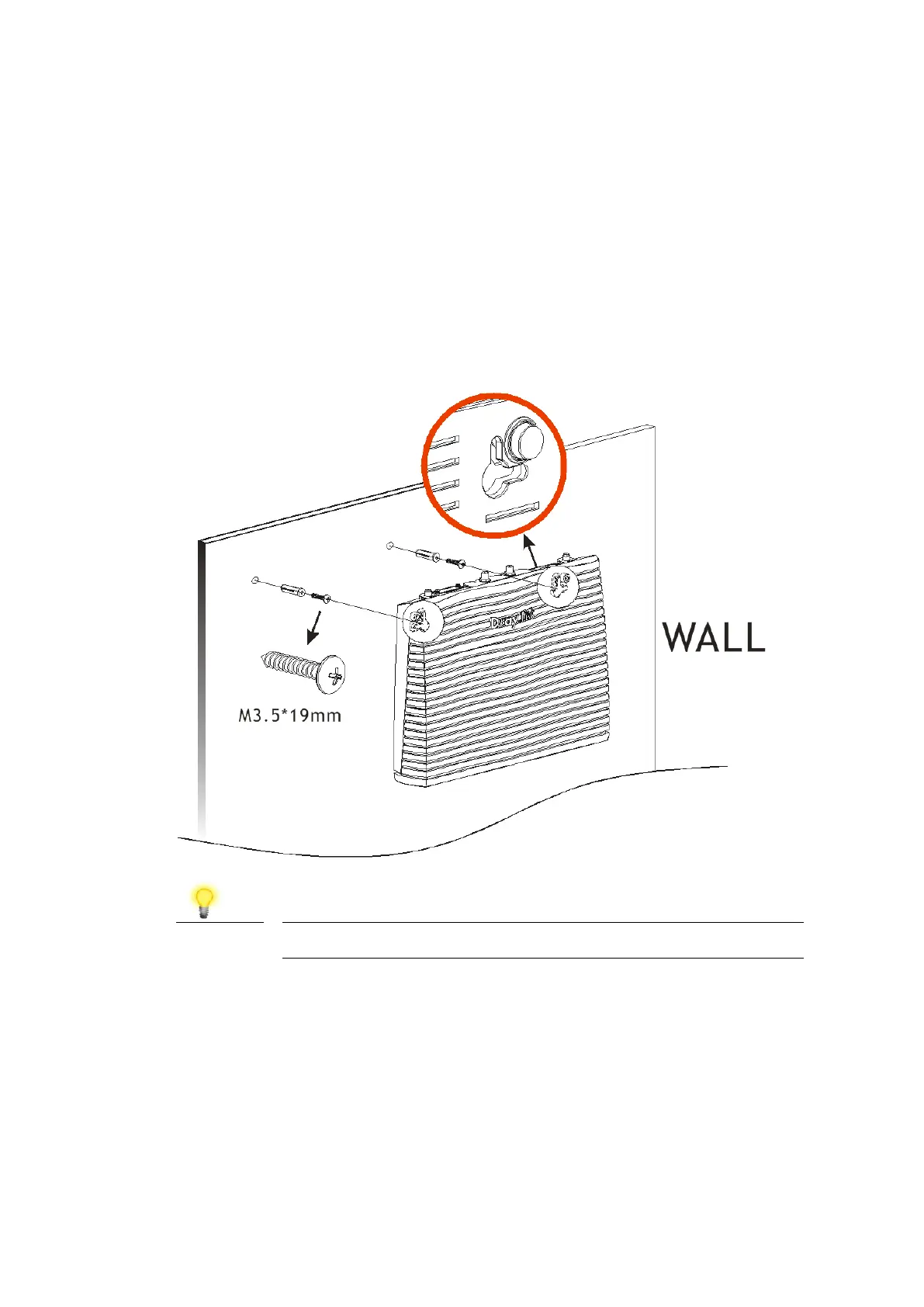
DrayTek Vigor 2866 series routers have keyhole type mounting slots on the
underside to hang the router on, using screws attached to a wall or other
surface.
1. A template is provided in the Vigor router packaging box to enable you
to space the screws correctly on the wall
2. Place the template on the wall in the desired position and drill holes
through the cardboard template at the marked points
3. Fit screws into the wall using the appropriate type of wall plug for the
wall material












 To Next Page