Vigor2955 User’s Guide
105
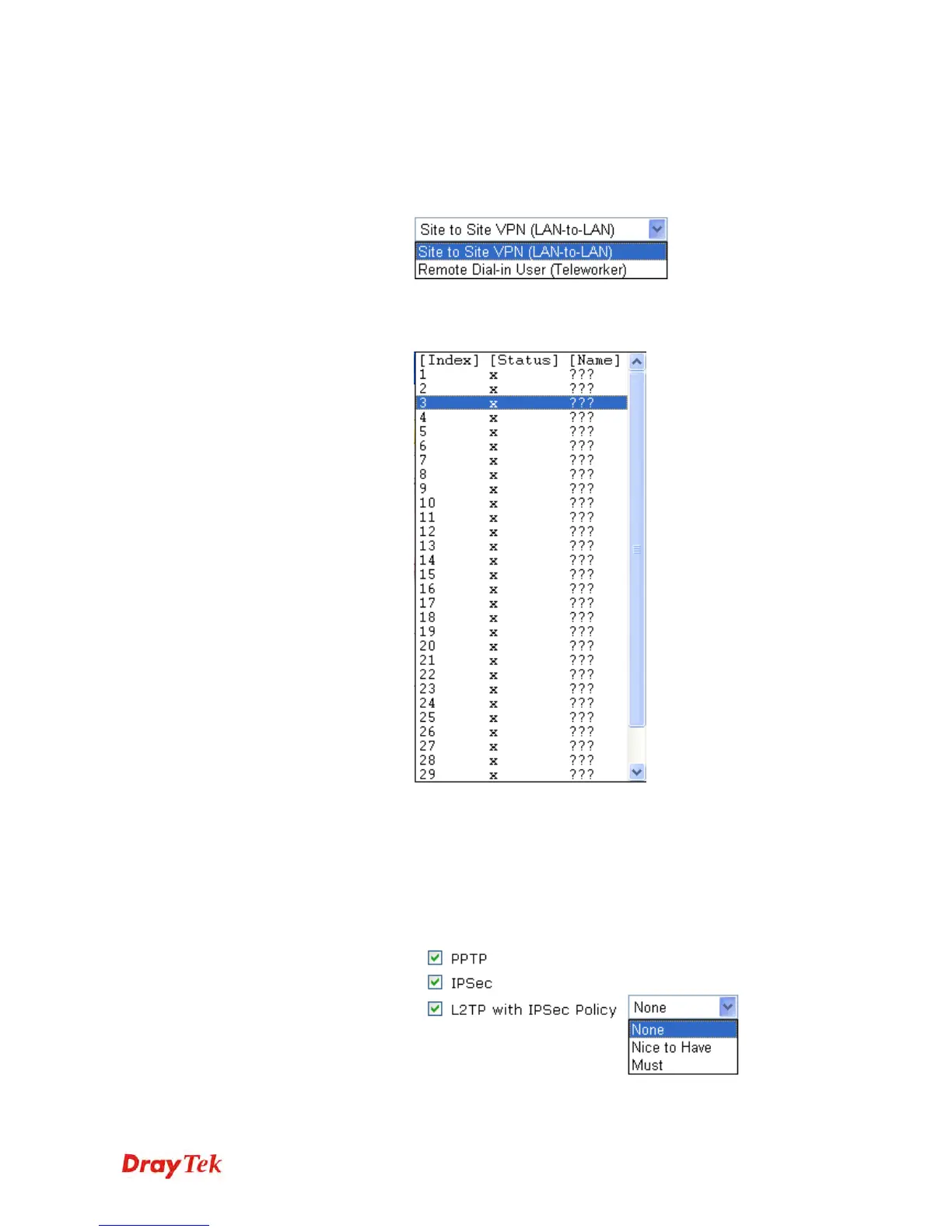
Selection
Site to Site VPN/Remote Dial-in User – To set a
LAN-to-LAN profile automatically, please choose Site to
Site VPN.
Remote Dial-in User –You can manage remote access by
maintaining a table of remote user profile, so that users can
be authenticated to dial-in via VPN connection.
Please choose a
LAN-to-LAN Profile
This item is available when you choose Site to Site VPN
(LAN-to-LAN) as VPN server mode. There are 32 VPN
profiles for users to set.
Please choose a Dial-in
User Accounts
This item is available when you choose Remote Dial-in User
(Teleworker) as VPN server mode. There are 32 VPN
tunnels for users to set.
Allowed Dial-in Type
This item is available after you choose any one of dial-in
user account profiles. Next, you have to select suitable
dial-in type for the VPN server profile. There are six types
provided here (similar to VPN Client Wizard).
Different Dial-in Type will lead to different configuration














 To Next Page