Vigor2955 User’s Guide
151
3
3
.
.
1
1
1
1
.
.
5
5
O
O
n
n
l
l
i
i
n
n
e
e
U
U
s
s
e
e
r
r
S
S
t
t
a
a
t
t
u
u
s
s
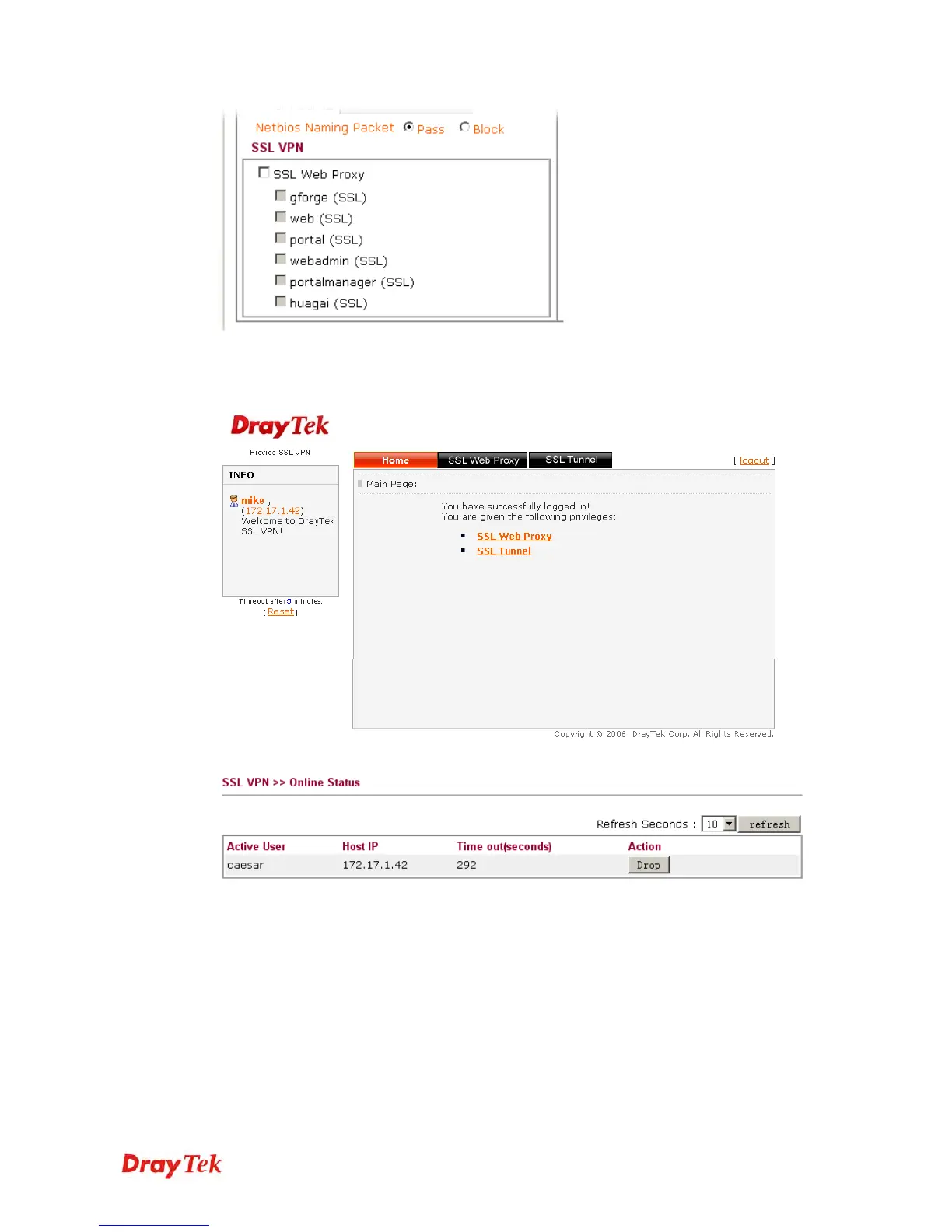
If you have finished the configuration of SSL Web Proxy (server), users can find out
corresponding settings when they access into Draytek SSL VPN portal interface.
Next, users can open SSL VPN>> Online Status to view logging status of SSL VPN.
Active User Display current user who visit SSL VPN server.
Host IP Display the IP address for the host.
Time out Display the time remaining for logging out.
Action You can click Drop to drop certain login user from the router's SSL Portal UI.














 To Next Page