Vigor2955 User’s Guide
119
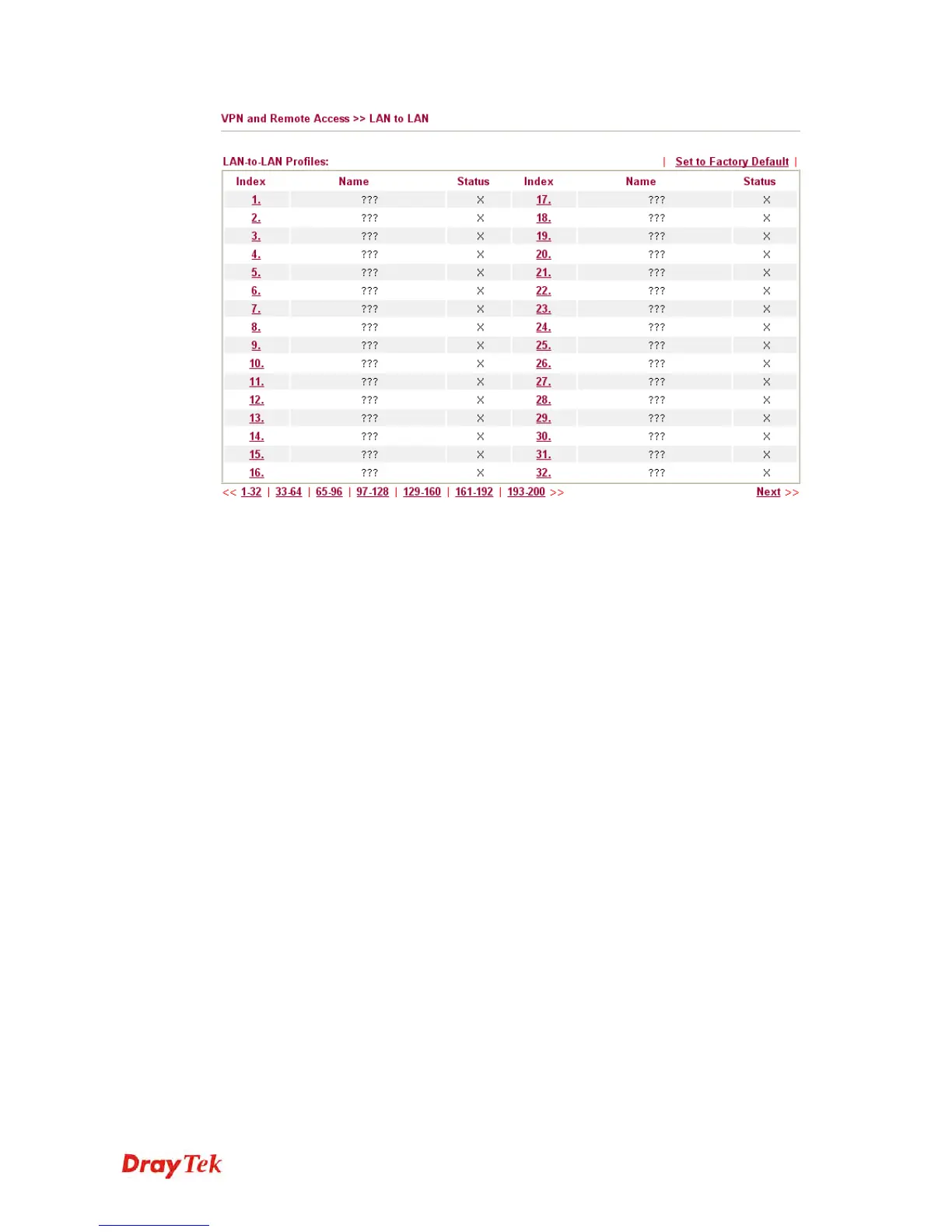
Set to Factory Default
Click to clear all indexes.
Name
Indicate the name of the LAN-to-LAN profile. The
symbol ??? represents that the profile is empty.
Status
Indicate the status of individual profiles. The symbol
V and X represent the profile to be active and
inactive, respectively.
Click each index to edit each profile and you will get the following page. Each LAN-to-LAN
profile includes 4 subgroups. If the fields gray out, it means you may leave it untouched. The
following explanations will guide you to fill all the necessary fields.
For the web page is too long, we divide the page into several sections for explanation.














 To Next Page